

Alternative use as LAN bridge of AVM FRITZ device!Repeater 3000 AX
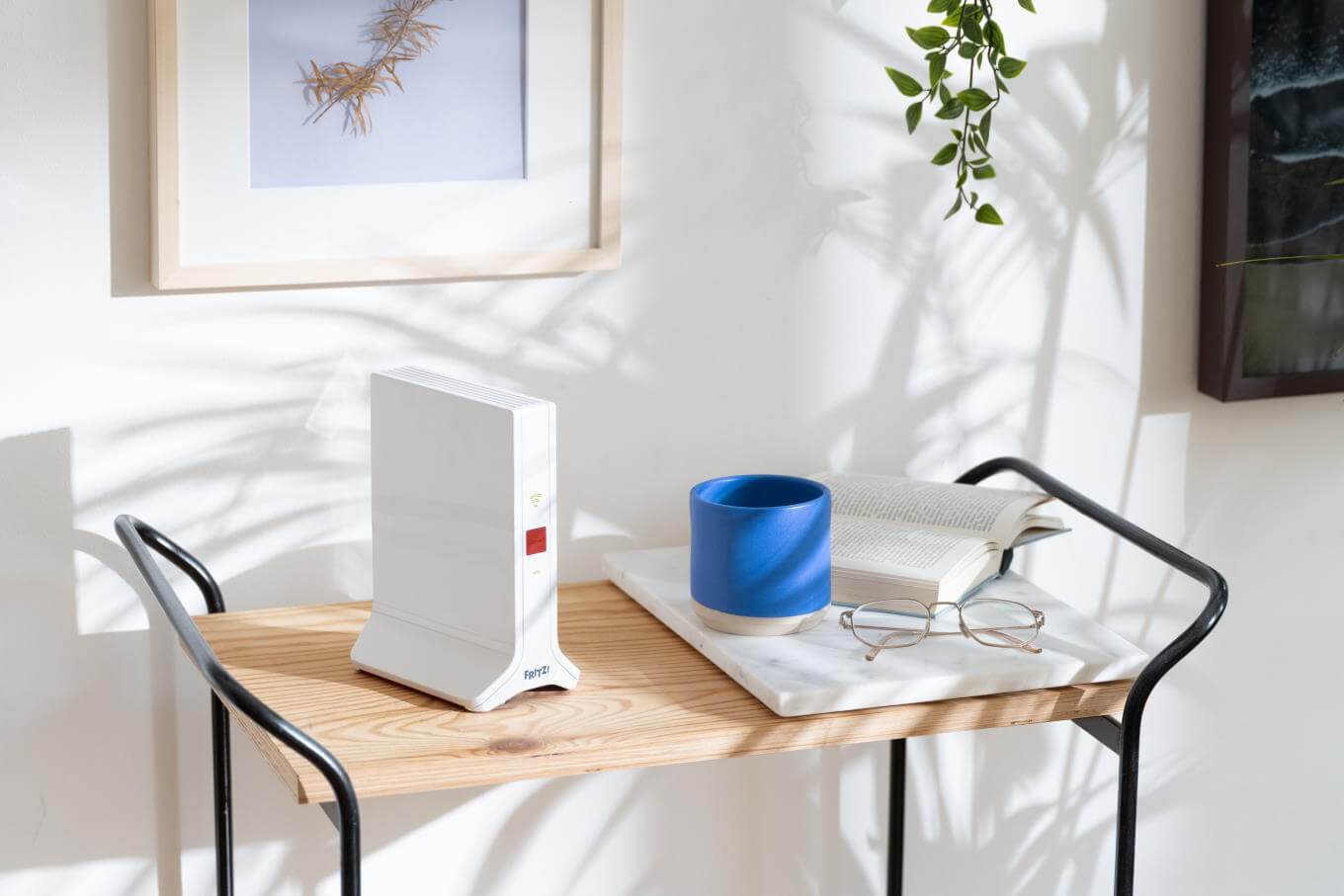
FRITZ devices! are prepared to meet the most popular user needs. FRITZ!Repeater 3000 AX is an advanced signal booster designed to extend the range of a wireless network. With an additional Wi-Fi interface, the device can be a radio bridge (bridge).
How to set your router in Bridge mode?
For detailed information on how to switch a router into bridge mode, please refer to the documentation of the specific model - usually a special command or option in the configuration. In the context of home Internet routers, "bridge mode" means disabling the router's network functions to be performed by another device. Such a situation occurs when, due to the operator's policy, we are forced to use the modem-router supplied with the connection, but nevertheless we want the FRITZ!Box performed all functions. Advanced wi-Fi signal boosters, such as FRITZ!Repeater 3000 AX, often have several independent network interfaces, making them suitable for implementing a bridge.
LAN bridge on WiFi amplifier
AVM FRITZ Repeater 3000 AX has an independent LAN interface (2 1 Gbit/s ports) and three wireless interfaces (2x 5 GHz + 1x 2.4 GHz). So with its help you can build a powerful LAN bridge for wireless devices, based on the existing cable connection (Ethernet or Powerline). This makes it easy to run wireless Internet in a garden shed away from the house. One end of the cable is plugged into the FRITZ router!Box, the other to the LAN socket on the FRITZ!Repeater 3000 AX and we have a LAN bridge on a WiFi repeater.
Application of FRITZ Repeater 3000 AX wireless bridge
If there are no major terrain obstacles between the garden shed and the house, the connection can be made wirelessly. We dedicate one of the amplifier's Wi-Fi interfaces (5GHz) as a structured link to the home, and the other for local use by phones and laptops.

