Save to shopping list
Create a new shopping list
FRITZ Wi-Fi Router!Box 6890 LTE DSL WAN MESH
Our bestseller

FRITZ Wi-Fi Router!Box 6890 LTE DSL WAN MESH

  • LTE modem up to 300 Mbit/s
  • Wi-Fi: WLAN N 2.4GHz (up to 800 Mbit/s) WLAN AC 5.GHz (up to 1733 Mbit/s)
  • 4 Gigabit LAN ports
  • USB port: 1x 3.0
  • VoIP PBX
  • DECT base: cordless phones
  • Smart Home features
450,32 EUR
incl. VAT / pcs.
Product not available
31 days for free returns
This product is not available in a stationary store
Safe shopping
Deferred Payments. Buy now, pay later, if you don't return it
Buy now, pay later - 4 steps
When choosing a payment method, select PayPo.PayPo - buy now, pay later
PayPo will pay your bill in the store.
On the PayPo website, verify your information and enter your social security number.
After receiving your purchase, you decide what suits you and what doesn't. You can return part or all of your order - then the amount payable to PayPo will also be reduced.
Within 30 days of purchase, you pay PayPo for your purchases at no additional cost. If you wish, you spread your payment over installments.
Free delivery to parcel machinesMore information
Smile - deliveries from online stores when ordered from EUR11.85 are for free.
You buy and delivery is free!
deliveries from online stores are free when you order EUR11.85 are for free.
Free delivery includes parcel delivery to a parcel machine

Save by buying more

AVM FRITZ!Box 6890 LTE

At a glance

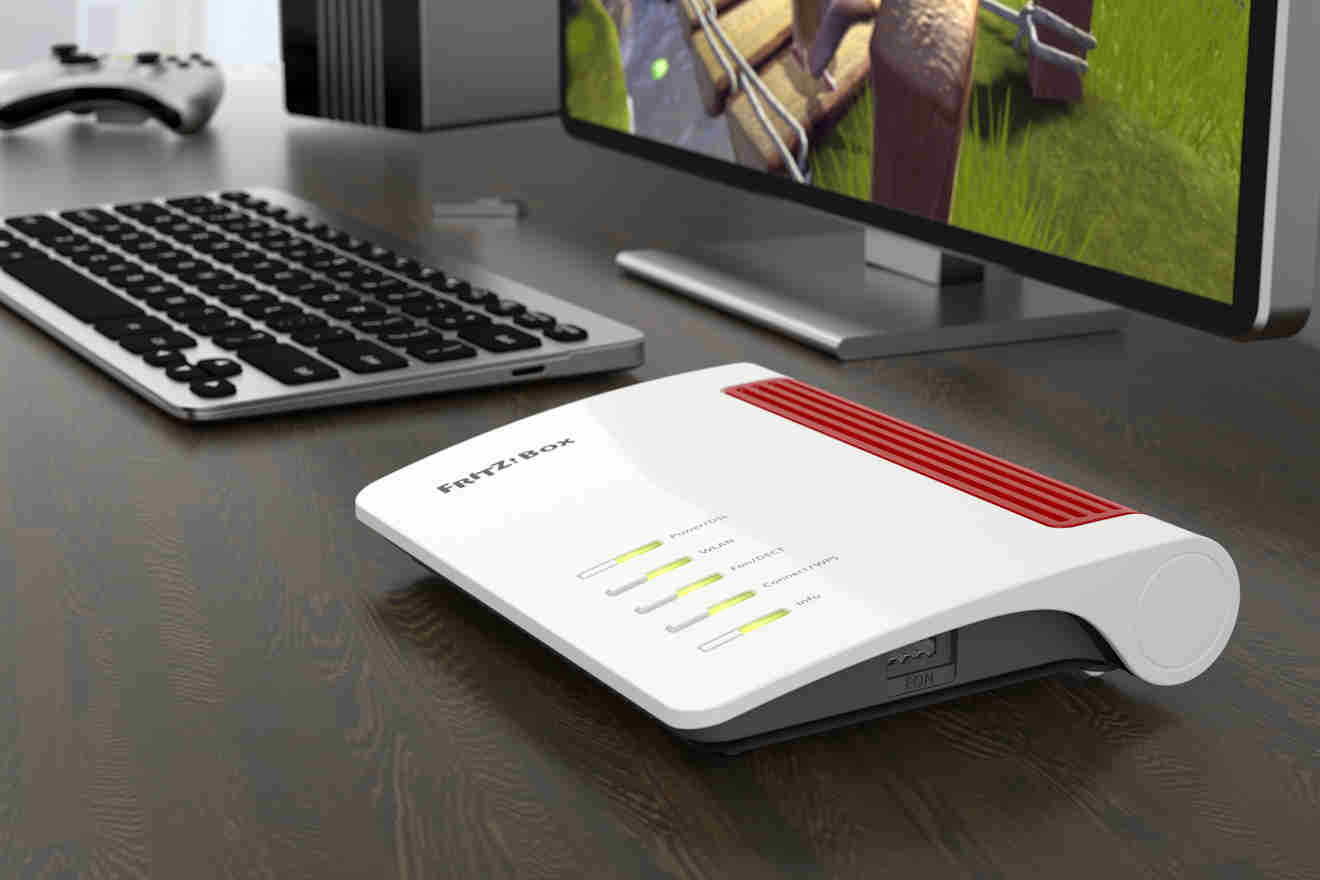
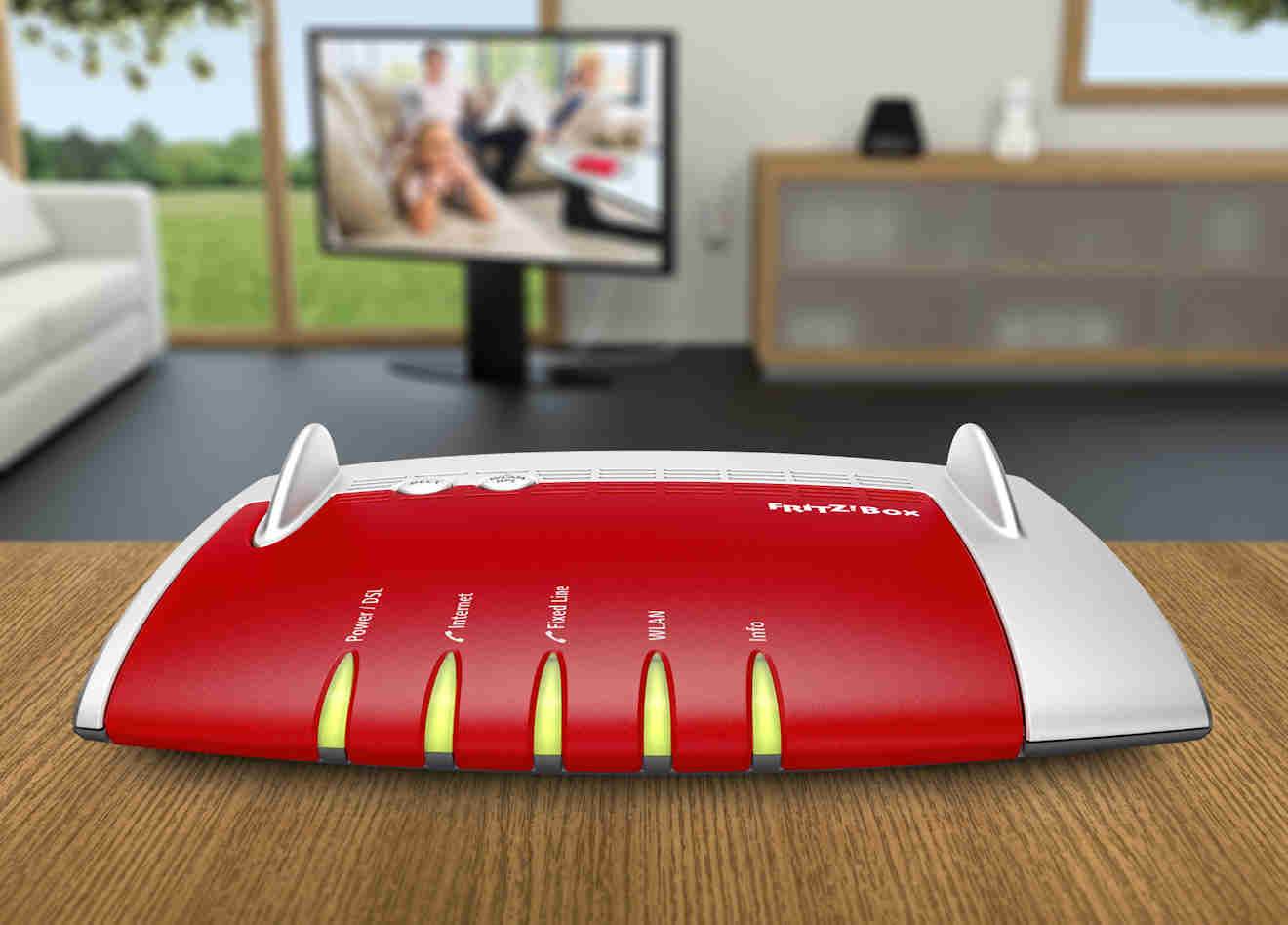
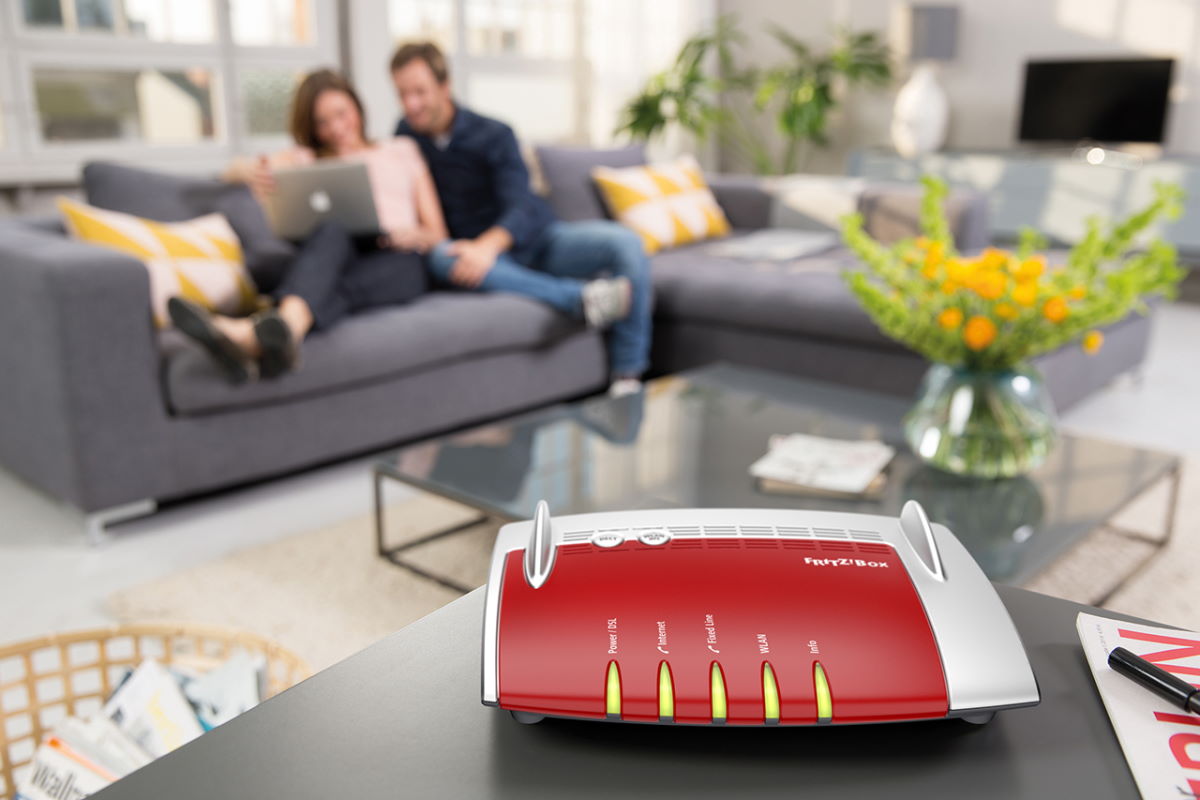
FRITZ!Box 6890 LTE allows you to connect to the Internet via ADSL, VDSL, Gigabit WAN and a built-in LTE modem. This device also has a telephone exchange for analog telephony, VoIP (Voice over Internet Protocol) and is equipped with digital ISDN technology. It also has a DECT base, which allows you to connect wireless handsets and Smart Home devices - smart outlets (FRITZ!DECT 200/210) and thermostats (FRITZ!DECT 301). The USB 3.0 port, on the other hand, allows you to create a media server and NAS drive by connecting an external drive.

Fast and versatile router - for LTE SIM card and other types of connections


FRITZ Router!Box 6890 LTE allows you to use the Internet over any type of connection. You will connect to the Internet through:
  • A built-in LTE Category 6 modem that uses band aggregation,
  • 4G bandwidth (maximum speed up to 300 Mbit/s),
  • 3G bandwidth (maximum speed up to 24 Mbit/s),
  • ADSL/ADSL2+ modem (maximum speed up to 24 Mbit/s),
  • VDSL modem (maximum speed up to 300 Mbit/s with Super Vectoring technology),
  • Gigabit WAN port (will support Internet developing speeds of up to 1,000 Mbit/s - ideal for connecting equipment to fiber or cable modem.
FRITZ!Not only does the Boz 6890 LTE have four gigabyte LAN ports for wired connectivity, but it has also been equipped with a failover function. So you have the assurance that an uninterrupted connection will be provided by the very router we offer - with an LTE SIM card it will always work, even when there is a DSL connection failure. By simply activating the appropriate function, the device will automatically switch between the WAN interface and the LTE modem - this is especially helpful when the cable infrastructure often fails.

High-speed home networking with FRITZ!Box 6890 LTE


State-of-the-art technology used in FRITZ!Box 6890 LTE delivers the fastest connections to all devices on your home or business network - even wirelessly. The router with LTE modem for SIM card allows you to enjoy daily WiFi in AC MU-MIMO (up to 1733 Mbit/s) and N (up to 800 Mbit)/s on two bands: 2.4 GHz and 5 GHz. This means much better throughput than standard routers. FRITZ!The Box 6890 LTE also has an autochannel function, which allows the equipment to self-select the least loaded channel free of interference, thus ensuring good connection quality. If you want to reduce energy consumption at the same time, you can start eco mode.

Safety first


FRITZ routers!Boxes are created with special attention to the highest safety standards. Client protection consists of, among other things, a certified firewall and an advanced parental control feature that allows web filtering. Establish a secure connection to the network by using 12 encrypted tunnels based on IPSec VPN technology. In case you want to allow guests or employees to access the Internet, you can do so by preventing them from accessing other devices on the network - activate FRITZ!Hotspot. Moreover, the software of the routers from FRITZ! is updated regularly - there is also an option to activate the function of automatic installation of updates.

Telephone exchange


FRITZ!Box 6890 LTE has a telephone exchange that allows you to set up analog, digital (ISDN), Internet (VoIP) and fax connections. By equipping the device with an answering machine, you can listen to recorded voice messages over the Internet - the highest quality sound is provided by HD Voice technology. It makes the voice in the handset sound deep and natural, which is of great importance especially in companies. With the device, phone books can be synchronized with a Google account, making it easy to work and create a Smart Home.

LTE modem router with SIM card will help you create a smart home


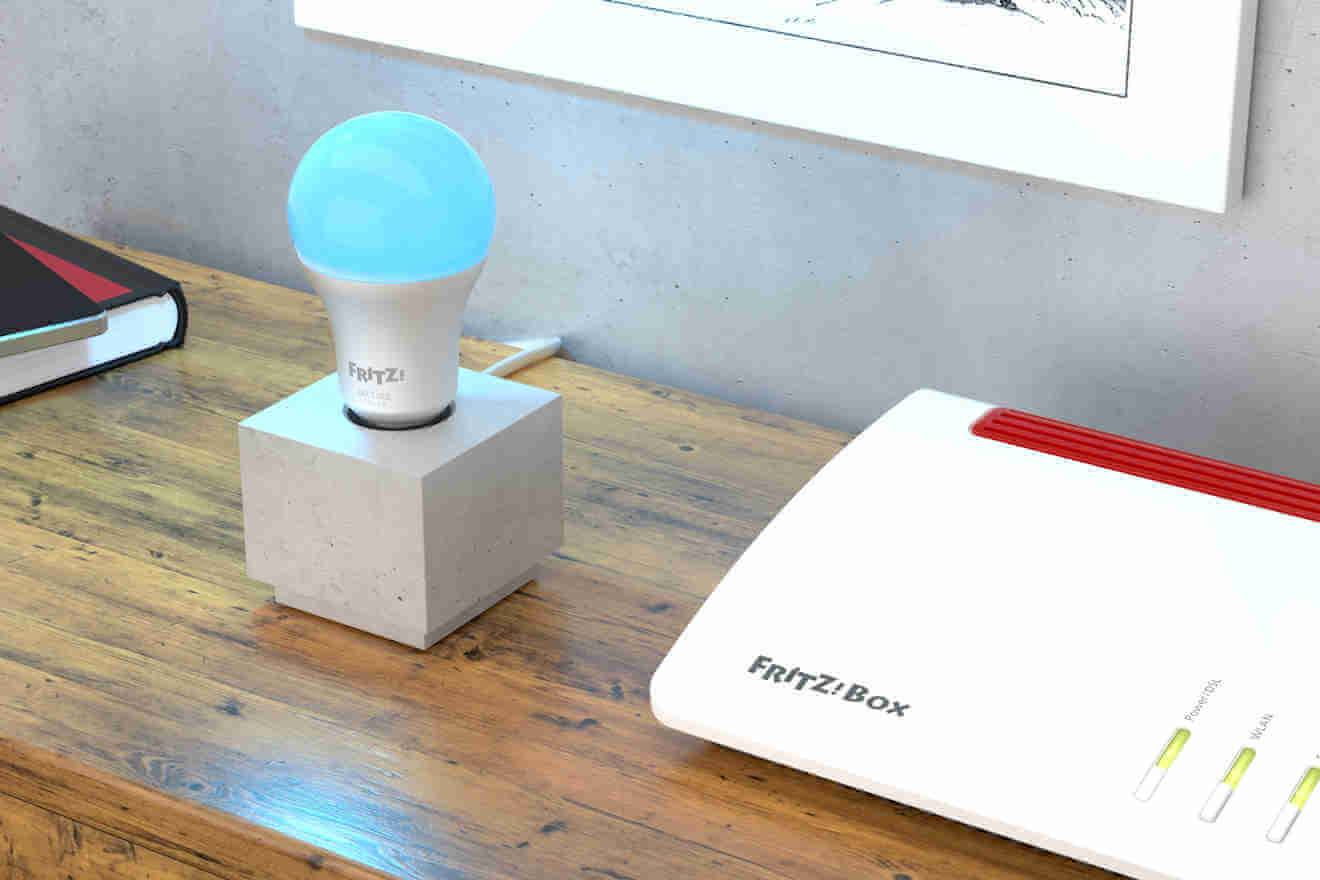
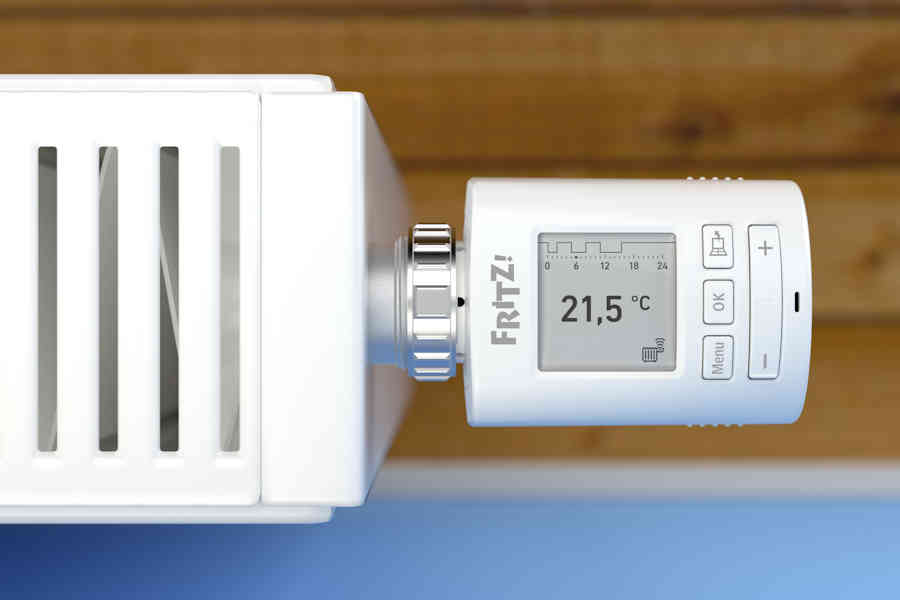
The DECT base that the FRITZ is equipped with!Box 6890 LTE, allows the device to connect with other equipment made with this technology. Thanks to innovative Smart Home features, it is possible to automatically and remotely turn on and off the power to connected devices using FRITZ smart outlets!DECT, but also constant measurement of power consumption and temperature thanks to smart thermostats. With this second option, you can comfortably control the heating in your apartment.

Media center


FRITZ!Box 6890 LTE is equipped with a USB 3.0 port - so you can connect external drives with capacities up to 4 TB. This facility allows you to create a home NAS file server and share music, photos and videos for all devices using your home network. If you want to transfer files without having to use the cloud or external services, you will certainly be interested in the free MyFRITZ service.net, which allows you to access your device from anywhere in the world via the Internet.
MESH - WiFi for sizes S to XL

With MESH technology, your home network grows to exactly the size you need:

S - smaller and medium-sized single-floor apartments

L - medium-sized apartments/houses, maximum two-storeys

XL - or more: large multi-story apartments/homes

The next big thing - now available from FRITZ!


WiFi is most conveniently used at home! However, the signal may be weaker in some rooms and the problem is not at all the router's setting. If you're looking for a way to eliminate dead zones in your home, bet on a MESH network - with products from FRITZ! you can install it in a few moments!

MESH - what it really means?


If you value the convenience of WiFi, you are well aware that in larger spaces the signal may not reach every place in the building - this means a weaker signal or even a complete loss of signal. MESH network is the solution to this problem - it guarantees stable, high speed data transmission and reception. All you need to do is invest in the right devices and with their help create several access points throughout your home or business building. Individual devices will connect to each other within a single, closed network. It has a single name and password, and receiving devices such as smartphones, tablets or laptops will automatically connect to the transmitter transmitting the strongest signal without user intervention.

FRITZ! + FRITZ! = MESH


At the heart of the MESH network is the FRITZ!Box - expand your network by adding more devices to it - FRITZ!WLAN Repeater will provide even greater WiFi wireless coverage, while FRITZ devices!WiFi-enabled powerline will use the electrical installation as a data highway, guaranteeing faster data transmission and reception. Hardware from FRITZ! will synchronize automatically, without your intervention.

Everything in sight and a few clicks away.


Check out how the MESH network looks in the graphic - it shows active devices from FRITZ! as well as other equipment of our brand, which transmit signal. That's what you can connect to through your smartphone, tablet, laptop and even game console.

We got you interested? Try!


FRITZ!OS 7 is the latest technology that will prepare your home network to support MESH networking - FRITZ!OS is available as software for FRITZ routers!Box, FRITZ amplifiers!Repeater and FRITZ products!Powerline supporting WLAN.

MESH is a word that hides a lot of.


Additional features that our devices are equipped with include such innovative technologies as:
  • Band Steering - with this option, Dual-Band WiFi devices will automatically connect to the least loaded WiFi frequency range at any given time,
  • Cross Band Repeating - in the case of FRITZ amplifiers!WLAN, Repeater will always use the WiFi range that provides the fastest connection,
  • IPTV and streaming optimizations - these features will ensure a stable connection, which will translate into comfort when watching movies and listening to music,
  • Beamforming - ensure even greater range and speed - the router's built-in antennas send signals precisely in the direction of receiving devices.
Specification

  • Built-in LTE modem: YES: Category 6, 4G (LTE up to 300Mbit/s) 3G (HSPA/UMTS up to 24Mbit/s)
  • Built-in modem: Yes: ADSL/ADSL2+, VDSL/VDSL2, Super Vectoring up to 300 Mbit/s
  • Support for external. modems: Yes, dedicated Gigabit WAN port up to 1000 Mbit/s, fiber optic or cable internet
  • WLAN standard: AC (5 GHz) + N (2.4 GHz)
  • WLAN speed: 1733 Mbit/s (AC MU-MIMO) 800 Mbit/s (N)
  • Smart home: Yes, up to 10 outlets
  • Media Server (UPnP AV): Yes
  • Guest Networking: Yes
  • VPN IPSec: Yes (up to 12 tunnels)
  • Parental control: Yes
  • Telephone exchange: Yes (Analog, ISND, VoIP)
  • NAS - network drive: Yes
  • Fax and answering machine: Yes
  • DECT base: Yes
  • LAN ports: 4 Gigabit LAN ports
  • USB ports: 1 USB port 3.
  • Telephone ports ext.: 2 analog ports and 1 ISDN S0 port, 10 IP phones
  • External telephone ports.: PSTN: port for either analog POTS or ISDN BRI landline telephony
  • Product code / EAN: 20002818 / 4023125028182
  • Version: International
  • Dimensions (L. x width. x height.): 250 x 184 x 48 mm
  • Power consumption: 9.5 W (medium)
Brand
Symbol
20002818
Producer code
4023125028182
Warranty
DSL modem
ADSL & ADSL2+
yes
VDSL & VDSL2
yes
VDSL 35b supervectoring
yes
DSL speed
300 Mbit/s
CONNECTION FROM OUTSIDE. MODEM
WAN port
yes
WAN port speed
1 Gbit/s
External connection. USB LTE & HSPA modem
not
MOBILE CONNECTIVITY (SIM CARD)
5G modem
not
Maks. 5G speeds
not applicable
Supported 5G bands
not applicable
5G band aggregation
not applicable
LTE (4G) modem
yes
Maks. LTE speed
300 Mbps
Supported LTE bands
FDD: 800 MHz, 900 MHz, 1.8 GHz, 2.1 GHz and 2.6 GHz
LTE band aggregation
yes
UMTS (3G) modem
yes
2G (GSM) modem
not
Voice over LTE - LTE voice functions (from FRITZ!OS 7.5X)
not
External antenna connections
yes
Type of antenna socket
SMA
FIBER OPTIC COMMUNICATIONS - ONT (OPTICAL TERMINARTION UNIT)
GPON
not
XGS-GPON
not
AON (IEEE 802.3ah-2004 1000BASE-BX10)
not
LOCAL AREA NETWORK - LAN
Number of Gigabit LAN ports
4
Number of 2.5 Gigabit LAN/WAN ports
0
Wake-up on LAN
yes
WIRELESS NETWORK - WIFI
Wi-Fi generation
Wi-Fi 5
Wireless standard according to IEEE
802.11ac; 802.11n
Maximum speed (gross)
1,733 Mbit/s + 800 Mbit/s
Support for 2.4 GHz band
yes
Support for 5 GHz band
yes
Support for 6 GHz band
not
MU-MIMO support
yes
Type of encryption
WPA2
WPA3
Type of antennas
embedded
Built-in controller for MESH networks
yes
Wi-Fi hot-spot function / separate network for guests
yes
Autochannel function - selecting the optimal Wi-Fi channel
yes
Wi-Fi signal power reduction and Wi-Fi off/on schedule
yes
SMART HOME - HOME AUTOMATION
Base for connectivity with DECT / DECT ULE devices
yes
Support for the HAN-FAN standard
yes
Advanced programming, scenarios and rules
yes
TELEPHONY FUNCTIONS
Functions of the telephone exchange
not
Base for DECT wireless handsets
yes
Maks. Number of DECT wireless handsets
6
Number of internal ports. analog (FXS)
2
Number of internal ports. digital ISDN (S0)
0
Connecting a POTS or ISDN landline (FXO)
yes
Number of VoIP accounts
20
Support for SIP-TRUNK
yes
Fax functions (fax sending and fax2mail)
yes
Answering machines
5
Blocking incoming and outgoing calls
yes
Call forwarding
yes
Synchronize phone books with Google Contacts, iCloud, WebDAV
yes
OTHER NETWORK FUNCTIONS
Number of USB ports 3.
2
Number of USB ports 2.0
0
VPN Server - IPSec
yes
VPN Server - Wireguard (from FRITZ!OS 7.5X)
yes
UPnP / DLNA media server
yes
File server (FTP, FTPS, WebDAV, SMBv3)
yes
FRITZ File Server!NAS - access to files via browser and app
yes
Support for IPv6
yes
Firewall (TUV certified)
yes
Parental control
yes
Push notification function
yes
Automatic backup of settings
lack of data
Automatic free updates
yes
Print server - printserver
yes
ECO mode - saving electricity
yes
Network traffic management - priorities for network services and devices
yes
Operating system
FRITZ!OS
User interface language
polish
EN, DE, NL, FR, IT
Manufacturer's warranty
5 years
Dimensions
250 mm
185 mm
48 mm
Do you need help? Do you have any questions?Ask a question and we'll respond promptly, publishing the most interesting questions and answers for others.
Ask a question
If this description is not sufficient, please send us a question to this product. We will reply as soon as possible. Data is processed in accordance with the privacy policy. By submitting data, you accept privacy policy provisions.
5 years

aVM 5 year warranty description

Write your opinion
Your opinion:
5/5
Add your own product photo:

Guide

Czy można mieć dwa routery w jednej sieci?
Routery służą do tworzenia wewnętrznych sieci informatycznych, dzieląc jednocześnie łącze internetowe. Nowoczesne urządzenia oferują oczywiście wiele innych możliwości, w tym tworzenie centrali telefonicznej czy dysków sieciowych. Taka sieć nie musi być jednak obsługiwana tylko przez jeden router. Co w sytuacji, gdy na przykład zabraknie portów LAN do podłączenia kolejnych urządzeń? Czy można wykorzystać kolejny router? Na to pytanie odpowiemy w dalszej części – zapraszamy do lektury.
Read more
Najlepsza ochrona LAN i WLAN
Sieć LAN (połączenie kablowe) ze swej natury jest fizycznie chroniona przed niepowołanym dostępem, ale sieć WLAN (Wi-Fi) wymaga stosowania zaawansowanych zabezpieczeń programowych.
Read more
Jak chronić dzieci w sieci za pomocą ustawień routera?

Nawet bez naukowych statystyk widzimy, że nasze dzieci spędzają zatrważająco dużo czasu w Internecie, który zastępuje im często boisko i podwórko zabaw. Mając odpowiednio zaawansowany router z kontrolą rodzicielską, taki jak FRITZ!Box możemy uchronić naszych podopiecznych przed częścią zagrożeń.

Read more
Energooszczędne funkcje w nowych modelach FRITZ!Box

Nowoczesne technologie są co do zasady energooszczędne. Routery FRITZ! Box posiadają wiele funkcji, które pozwolą zmniejszyć zużycie prądu, w szczególności poprzez racjonalne wykorzystanie urządzeń i ich funkcji, aby działały najwydajniej tylko wtedy, gdy są potrzebne.

Read more
Znaczenie routera w środowisku domowego biura

Router to serce, a może raczej mózg domowego biura. Jakkolwiek banalnie nie brzmiałoby to stwierdzenie, bardzo dobrze opisuje ono rolę routera, jako centrum lokalnej sieci komputerowej, gdzie definiowane są i realizowane najważniejsze jej funkcje.

Read more
Stable Internet on vacation
When planning a holiday break from everyday life, we often don't want to deprive ourselves of all its attributes. One is the fast and stable Internet needed to communicate with loved ones and share vacation experiences. We suggest how to stay online during the trip.
Read more
Który router na kartę sim kupić do swojego mieszkania?
Dynamiczny rozwój technologii internetu mobilnego sprawił, że dziś praktycznie każdy może uzyskać dostęp do sieci. Ceny tych łączy systematycznie spadają i jednocześnie stale zwiększa się ich przepustowość. Jeśli chcesz bezprzewodowo rozprowadzić taki internet po mieszkaniu, musisz zaopatrzyć się w dobry router. Na co zwrócić uwagę i jakie urządzenia są godne uwagi? Sprawdź już teraz!
Read more
Jak przyspieszyć swój internet? Poznaj porady doświadczonych administratorów sieci!

Płacisz niemałe pieniądze za dostęp do szybkiego internetu, a pomimo tego jego jakość pozostawia wiele do życzenia? Jeśli korzystasz z sieci bezprzewodowej w domu lub firmie, problem wcale nie musi leżeć po stronie dostawcy. Zanim zadzwonisz do niego z pretensjami, zacznij od upewnienia się, czy dobrze skonfigurowałeś swoją sieć. Jak przyspieszyć internet w budynku i poprawić stabilność łącza bezprzewodowego?

Read more
Jak przygotować sieć wifi na zakupy online?
Najbliższe tygodnie na pewno zdominują zakupy przedświąteczne, z których duża części będzie odbywać się w internecie. Choć zakupy online są wygodne i tanie, to jednak wiążą się z pewnymi zagrożeniami. Kupując w sieci, musisz zadbać o swoje bezpieczeństwo, między innymi prawidłowo zabezpieczając domową sieć WiFi. Sprawdź już teraz, jak to zrobić!
Read more
Router dla małej firmy. Który wybrać?
W dzisiejszych czasach trudno wyobrazić sobie funkcjonowanie biznesu bez stałego dostępu do  internetu. Nawet w małych firmach korzysta się często z kilku komputerów i różnych urządzeń mobilnych. Stosowanie routerów WiFi jest z tego powodu podstawą. Ten niepozornie wyglądający sprzęt pozwala na dzielenie łącza i zapewnia wiele innych, bardzo przydatnych funkcji. Problem może pojawić się jednak przy jego zakupie. Jaki router dla małej firmy będzie najlepszy? Podpowiadamy!
Read more
Jak dbać o bezpieczeństwo domowego Wi-Fi?
Obecnie większość gospodarstw domowych łączy się z internetem za pośrednictwem WiFi. To bardzo wygodne rozwiązanie. Jednak ma też swoje wady. Okazuje się, że nieuprawnione osoby mogą podpiąć się do naszej sieci. Taka sytuacja jest bardzo groźna.
Read more
Router dla gracza, który router gamingowy wybrać?
Obecnie większość gier komputerowych dostępna jest w formie streamingu, dotyczy to nie tylko rozgrywek zespołowych, ale też gier typu single player. Takie gry wymagają bardzo dobrej mocy połączenia internetowego i niskich opóźnień. Z tego powodu osoby grające w gry powinny zaopatrzyć się w router, który umożliwi szybkie i stabilne połączenie.
Read more
Jak skonfigurować sieć WiFi w mieszkaniu studenckim?

Samodzielne skonfigurowanie sieci WiFi nie jest trudne. Trzeba jednakże znać parametry sieci internetowej, wiedzieć, jak je zmienić, a także w jaki sposób dostać się do ustawień routera. Poniżej przedstawiamy wskazówki pozwalające na sprawne i prawidłowe skonfigurowanie sieci internetowej w mieszkaniu studenckim.

Read more
Router do streamingu, który wybrać?
Nie tak dawno, dostęp to muzyki i filmów był możliwy tylko przez odtwarzanie plików na dysku. Internet bez wątpienia zmienił wiele w naszym świecie, także w kwestii udostępniania multimediów, m.in poprzez możliwość streamingu. Jaki router najlepiej się sprawdzi w nadawaniu transmisji na żywo, a który będzie odpowiedni do korzystania z telewizji lub radia online?
Read more
Co jaki czas należy zmieniać router?
W dzisiejszych czasach trudno wyobrazić sobie funkcjonowanie bez internetu. Sieć domowa czy też firmowa powinna być obsługiwana przez wysokiej jakości urządzenia, dzięki którym można cieszyć się dobrą prędkością i brakiem zakłóceń. Kiedy trzeba zmienić router na nowy i dlaczego warto to zrobić? Poniżej znajdziesz wszystkie odpowiedzi.
Read more
pixel