

Best routers for small businesses
Performance and connection stability - key factors for a corporate network
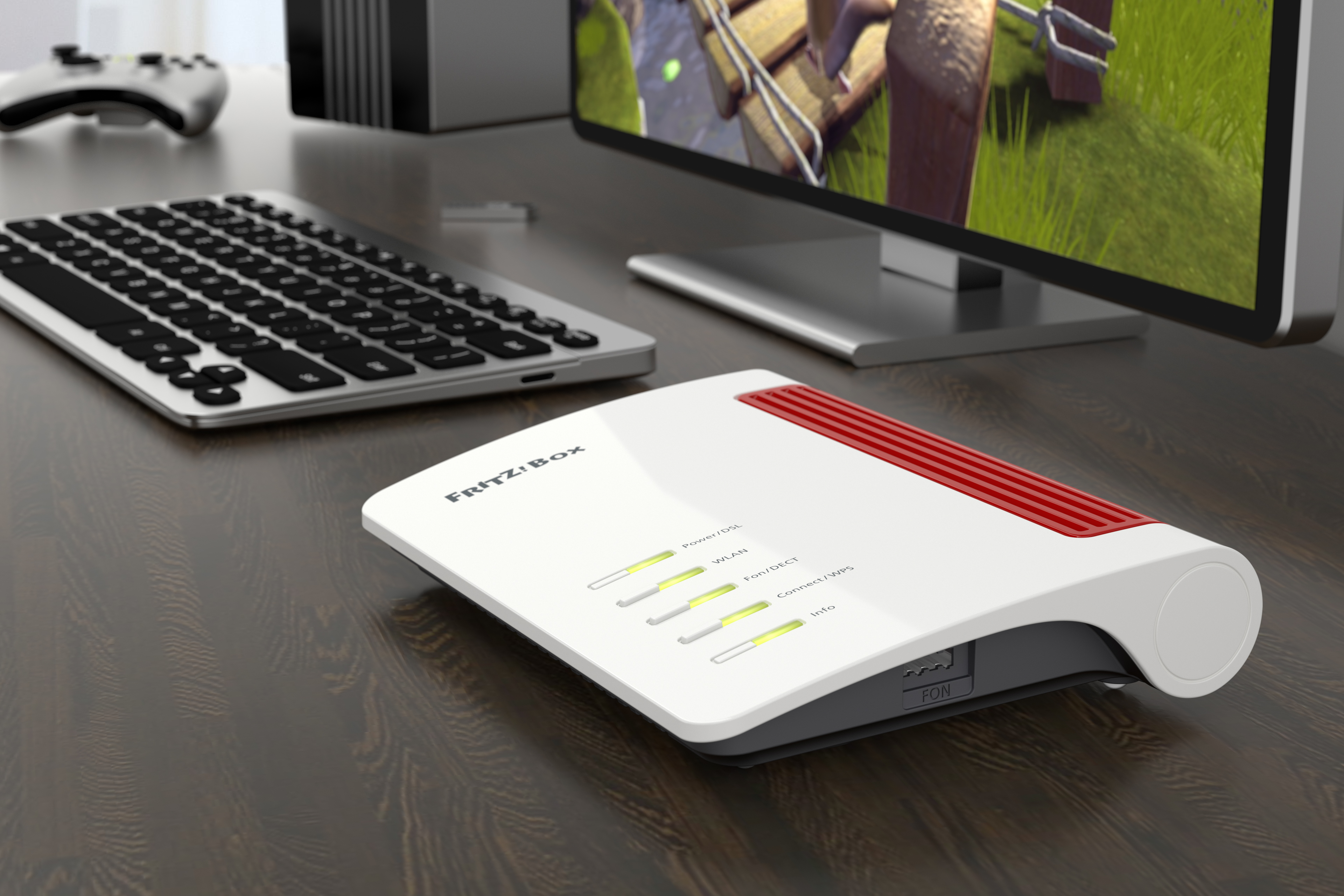
Routers for businesses, such as fRITZ routers, must be built on a high-performance hardware platform, taking into account both processor and memory power reserves. This is the only way to ensure adequate router performance and connection stability. If we consider that modern Internet accesses (for example, fiber optic, or 5G) offer speeds exceeding 1 Gbit/s, we understand that in order for such a wide stream of data to reach individual computers and other devices in the network efficiently, the router supporting Internet access must have the right parameters. Otherwise, it will be difficult to take advantage of ultra-fast Internet, because the bottleneck may be precisely the suboptimally selected router.
A good router for small businesses must also be trouble-free, as they generally do not have an IT department or even a dedicated employee to handle ongoing maintenance, and any downtime in the business network infrastructure means potential losses.
Advanced networking features for growing business needs
Small businesses usually have a single router that must perform a variety of network functions. First, a suitable WAN interface is required, adapted to the locally offered types of connections: fiber optic, DSL, cable, Ethernet, or mobile. For growing businesses that will potentially turn the office into a larger one, it is worth choosing a device that has several different Internet interfaces, such as a fiber-optic and Ethernet WAN port to which we can connect an external modem.
It's hard to imagine a modern office without high-speed Wi-Fi, so our network combo must have a built-in wireless access point. When choosing a device for your business today, you should buy at least ac router (Wi-Fi 5), and preferably Wi-Fi 6, necessarily supporting mesh topology networks and related features to simplify and automate the management of the wireless infrastructure, especially if coverage repeaters appear in it. Using as recent Wi-Fi standards as possible has the advantage, in addition to speed, that they perform better in a crowded ether where our network must compete for access to the medium and avoid interference.
When choosing a router for the company, it is worth noting that it has a built-in Ethernet switch for devices that do not have a wireless card, for example, an office server or printer. If you have high-speed Internet, the switch should have at least several ports with a capacity of 1 Gbit/sec.
Today's businesses, almost regardless of their specifics, need the ability to work remotely. This will be enabled by the router's built-in VPN server, supporting at least several simultaneous, secure and high-speed connections, based on IPSec and/or WireGuard protocols. With VPN, you can connect from your laptop or phone to the router in the office while being anywhere in the world and use the resources of the company's network just as if you were sitting at your desk. For example, you can use files on a network drive or print a document on an office printer.
VPN also allows you to connect remote offices into a single entity: properly configured routers at headquarters and overseas representative offices establish an encrypted connection.
Corporate data security - a priority in router selection
In a world where information next to time is perhaps the most valuable asset, data security, even in a small company, is gaining critical importance. A company's router must therefore have an effective firewall to protect our network from attacks from the Internet. The built-in Wi-Fi access point in our device, on the other hand, must protect the data transmitted on the local network from eavesdropping by outsiders. Protection here will be provided by the latest encryption and key handling standards collectively known as WPA-3.
