

Extending wireless coverage
Optimizing WiFi networks in the home and office
Looking for an answer to the question how to boost WiFi it is a good idea to start by measuring the signal strength at various locations in our premises. For example, the free FRITZ application will help with this!WLAN for Android and iOS. With its help, not only will it be easier to find places where coverage is weak, but in addition, you will be able to check the strength of signals of foreign networks operating in the vicinity, which can also cause problems.
Optimizing the performance of our network should start with the proper placement of the router. It often happens that the ISP leaves the user with a cable sticking out of the wall in the atrium, away from the rooms where the household members mainly stay on a daily basis, and if you put the router there, and still lock it in a teletechnical cabinet with a tin door, then even having a router with a large range, you should not expect that the entire, especially large, apartment will be covered by the network. If possible, place the router in a central room of the house.
However, what if the Internet cable can not be carried to the living room? In this case, it will be useful wi-Fi repeater .
How to boost WiFi signal
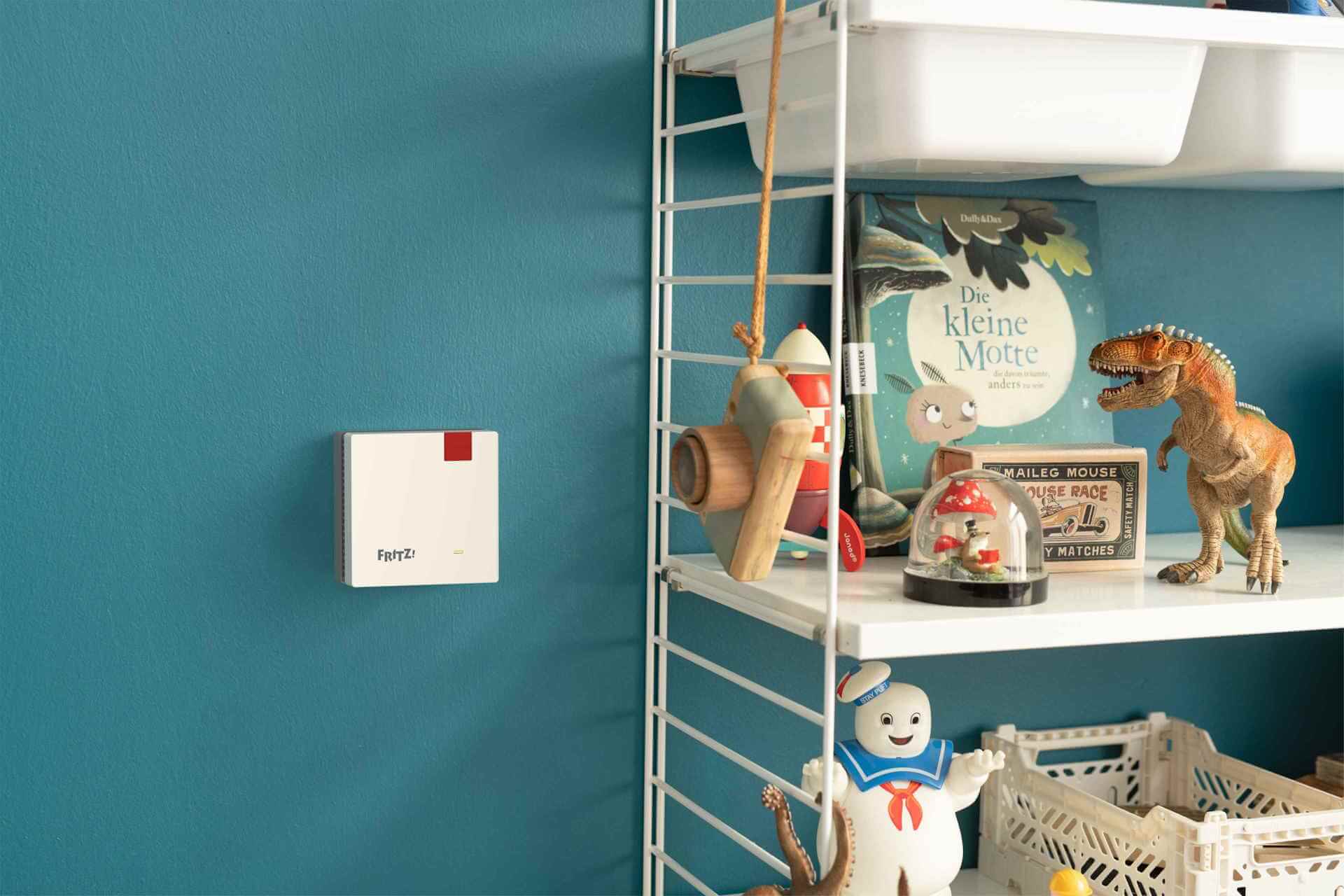
A WiFi range enhancer is a free-standing, small device that usually just plugs into an electrical outlet and wirelessly connects to a router. WiFi repeater, as it is otherwise called amplifier, is installed about halfway between the router and the room where the signal seems too weak to us. Repeater connects wirelessly to router and provides strong signal locally.
But what if, in the place where we would like to locate the amplifier, the range from the router no longer reaches? There's a remedy for that, too: a powerline adapter! The device is able to transmit Internet signals through existing electrical wires in the walls, so we don't have to lay new network infrastructure. Plug one powerline adapter into an outlet adjacent to the router and connect it to the router with an Ethernet cable. A second adapter from the set, plugged into an outlet at a location of our choice, will automatically establish a connection via electrical cables. If it will be, for example, FRITZ!Powerline 1260 is a built-in Wi-Fi access point will immediately start sharing the signal with full power in the center of our apartment.
When building a wireless network that will include amplifiers and powerline adapters, it is best to bet on a mesh WiFi system right away. Thanks to intelligent mesh functions, the system will automatically distribute the same access password to all devices and select parameters so that all laptops and phones get the maximum transfer rate.
Increase WiFi coverage
Signal amplification technologies also consist of features built into devices. For example, it is worth taking a close look at the configuration and its advanced options to make sure that our router emits a signal with the maximum available power, which can be limited programmatically.
Using an external application or router function, it's a good idea to check which radio channels are less used in our environment and realize your transmission there. FRITZ routers!Boxes automatically scan their surroundings and select the channels used so as to minimize collisions with surrounding networks.
Special features designed to reduce wireless interference are part of the technology of the next generation of Wi-Fi standards. For example, with such features, Wi-Fi 6 can achieve up to 300% transmission acceleration compared to Wi-Fi 5, even though the nominally newer standard is only 30% faster.
An important part of the Wi-Fi system is also MU-MIMO (Multi User Multiple-Input Multiple-Output) technology, which allows multiple users (e.g. 4 or 8, depending on the sophistication of the system) to simultaneously, quickly use the available network bandwidth.
