

How to configure QoS (Quality of Service) in the router to prioritize traffic?
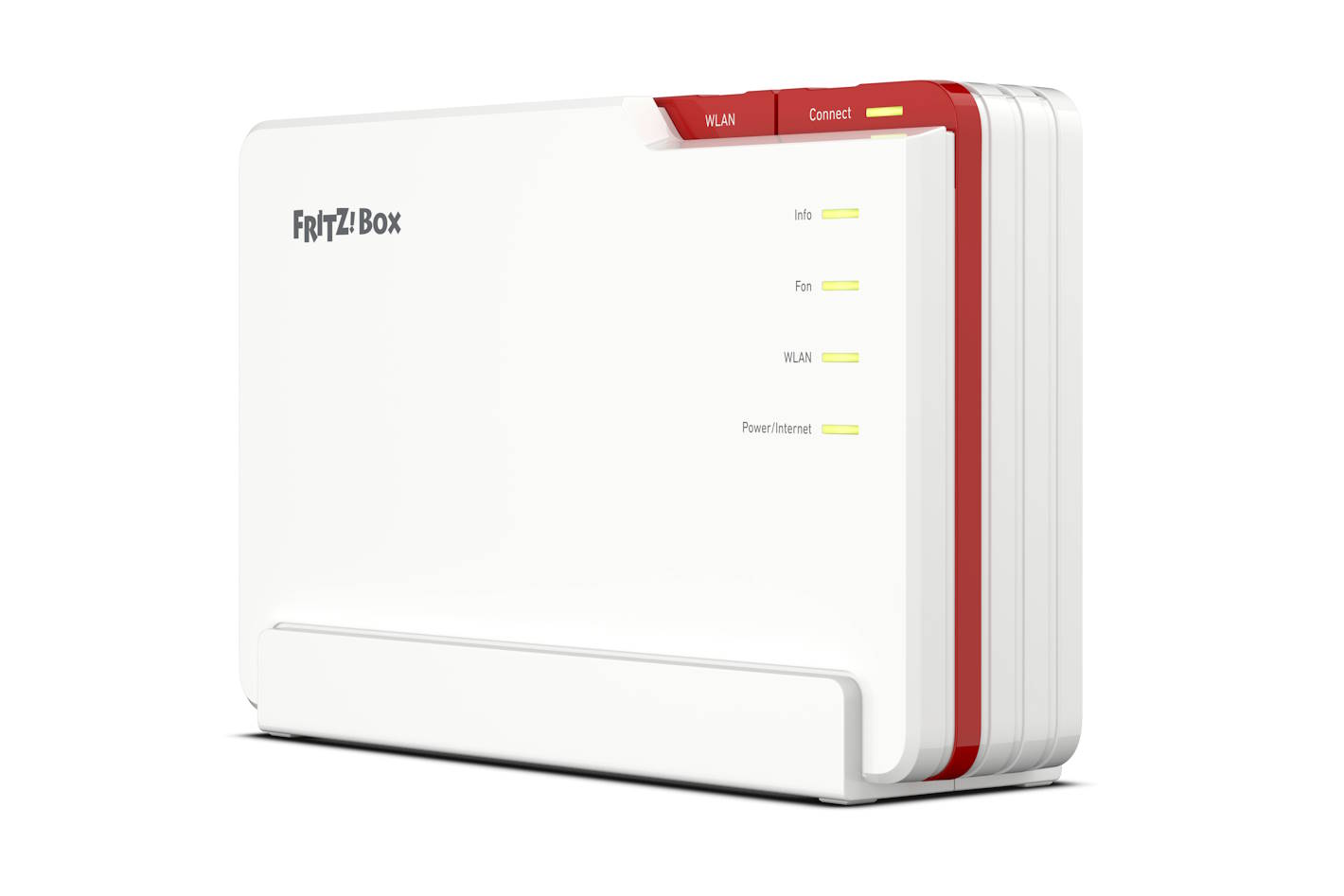
Router with qos - how it works and what traffic prioritization is used for.
Today's routers must provide a variety of demanding network functions. Buying a QoS router is increasingly becoming a necessity. Multiple users and multiple devices using the same network. Email, the World Wide Web, streaming media, online gaming and meetings - each function has its own requirements and consumes valuable bandwidth, which can create problems with efficient data flow. The solution to this problem is a router with qos. QoS (Quality of Service), is a technology that enables prioritization of network traffic to provide better performance for specific applications and services, measures network performance, and enables high-priority applications and services to run on the network.
When choosing a router for yourself, you should opt for a model that will support QoS. Traffic prioritization allows you to use the full bandwidth of the link, for example, downloading a large file will not affect the simultaneous use of streaming platforms, web browsing or the quality of voice or video calls. The QoS router itself detects which connections should be most important to users, and gives them higher priority. Router with QoS it's a must have for people who often make video calls, play online multiplayer games or use VOD services.
Configuring qos - how to prioritize wifi traffic.
Setting traffic priority should not cause a problem even for a less experienced user. The first step in implementing QoS is to identify all applications, users and devices that will use the network. This will help determine which ones are worth prioritizing. All you need to do is determine precisely what devices, applications or processes are most relevant. Once you have established your list of priorities you can move on to configuring your equipment. QoS is an important tool in network management, but its deployment must be carefully planned. Qos configuration in FRITZ devices!Box does not require above-standard knowledge. Of course, after configuring the device and implementing prioritization, it is worth verifying its operation. You can always go back and adjust the settings again to suit your needs.
Can qos improve network quality?
The answer is simple: YES! Because qos in the router allows certain applications to be prioritized, they run more smoothly. Without QoS technology and queuing algorithm, it would be quite difficult to meet all network requirements. Implementation of QoS is crucial, prevents network congestion, so multi-user use becomes more convenient. By prioritizing specific data and traffic, you can ensure that your most important applications and services get the bandwidth they need to operate optimally. It gives you full control over data transfer. The benefits of using QoS are many, here are some of them:
- better management of resources
- improving the performance of applications and network services
- reduction in delays
- prevention of packet loss. QoS can help minimize packet loss (packet loss), which is important for applications sensitive to data loss, such as video or VoIP transmissions.
- qoS application prioritization capability allows you to assign different levels of priority to different types of network traffic.
- preventing data loss. All important data delivered quickly, accurately and without any waste. This prevents the loss of data or packets, so that everything that is sent arrives where it should and intact.
So if you have several pieces of equipment, buying a modern QoS router is a good decision. It gives you full control over data transfer. You are free to prioritize a specific machine. QoS can automatically manage network traffic, helping to avoid slowdowns and interruptions in Internet access.
