

How to set up a guest network on a FRITZ router!Box?
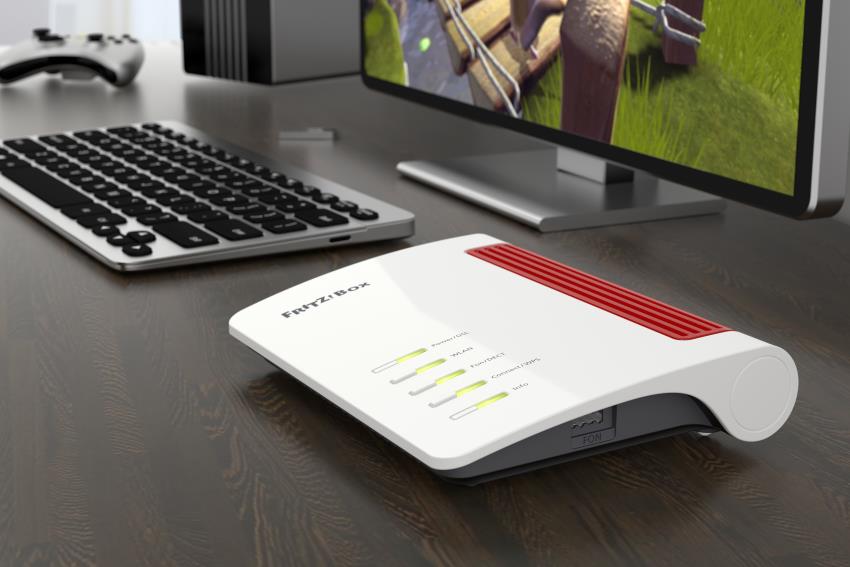
Today, hospitality means not only offering a cup of tea, but also access to home Wi-Fi. While providing guests with secure Internet access poses no risk on the part of hosts, allowing them access to home network resources can raise concerns.
WiFi network for guests
Good wifi routers have special features that allow you to give guests access to the Internet without opening all the secrets of our home network to them. WiFi network for guests should have some security, related to the limited trust of casual visitors. The guest WiFi offered by the FRITZbox router is a good example of such a mechanism.
FRITZbox guest WiFi router
WiFi for guests is not a completely open network. It has a different name, and those logging in must enter a special password. You can also use QR code and WPS. Connected guests have access to the Internet, but not to local network resources, including shared resources of other guests. So they don't see network printers, file servers, televisions, remote-controlled devices, and other digital home and infrastructure equipment like routers and wi-Fi signal booster. Guest access features are also limited: by default, only web browsing and email service is possible.
WiFi guest network implemented by FRITZ router!Box, has numerous configuration options. After a visitor logs in, it can display a welcome page that also presents the terms of service.
To exclude abuse of hospitality, Internet availability may be limited to a fixed period (from 15 min. up to 3 days).
You can also easily decide whether our guests' logged-in devices will be able to communicate with each other directly or not, and what network services will be available.

Devices logged into the guest network are assigned a "Guest" profile by default, which can be further customized.
