

NAS in FRITZ!Box - description and interesting features useful in practice, examples of use
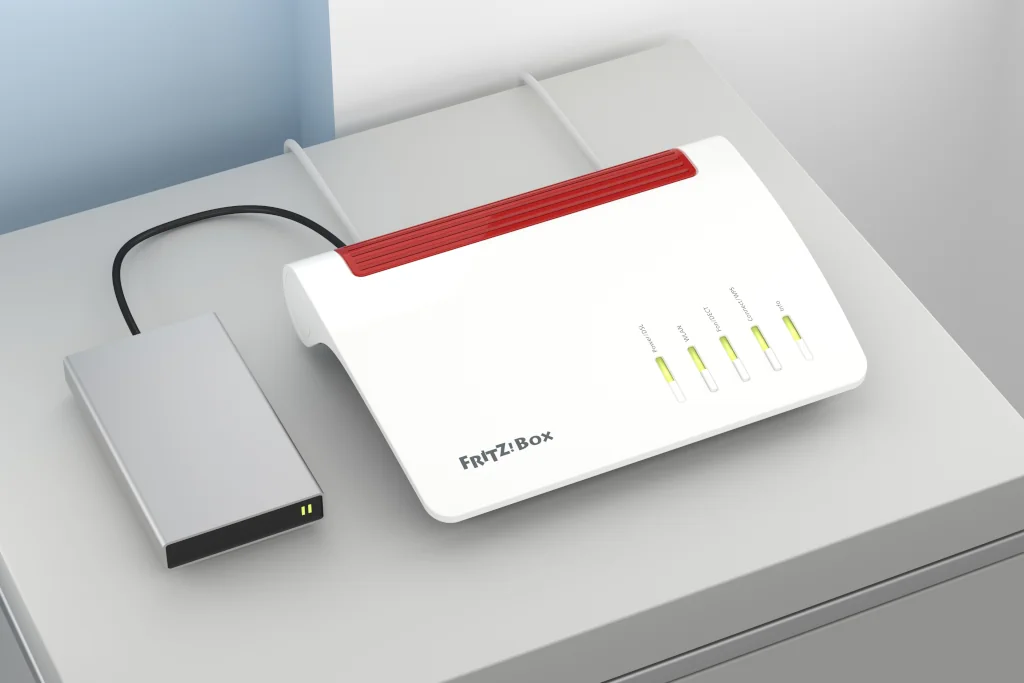
Today's Internet routers for home and small business users are veritable combos. In addition to sharing the Internet connection on the fixed network and Wi-Fi, integrate many additional functions. One of the more useful on a daily basis is NAS.
FRITZBox - NAS server for the home
NAS file server. Network Attached Storage) is a disk or other data storage whose contents are available to users as a resource on the local network.
Until recently, in order to realize the functionality in your network - NAS file server, you had to put up a separate computer with a suitable server operating system and a set of hard drives. Servers realizing NAS functionality are not cheap and easy to configure and therefore were out of reach for individual users and small businesses. The alternative could have been a separate, specialized device, but in this case only the configuration was somewhat simplified, while the high price continued to deter.
A home router with a NAS server, such as the FRITZ!Box is an incomparably cheaper solution and simpler to configure, as the NAS server built into the router does not require an additional license or equipment. For example, implemented in the router FRITZ Box 7530 NAS is part of the device's standard range of functionality and is operated from a single, user-friendly and easy-to-use web configuration interface. Every FRITZ!Box - with really few exceptions - is a NAS router.
FRITZBox NAS
Running on the FRITZBox NAS router is very easy. Simply plug a portable drive or flash drive into the USB port on the device. The function is enabled by default, so the new network drive will start working right away.
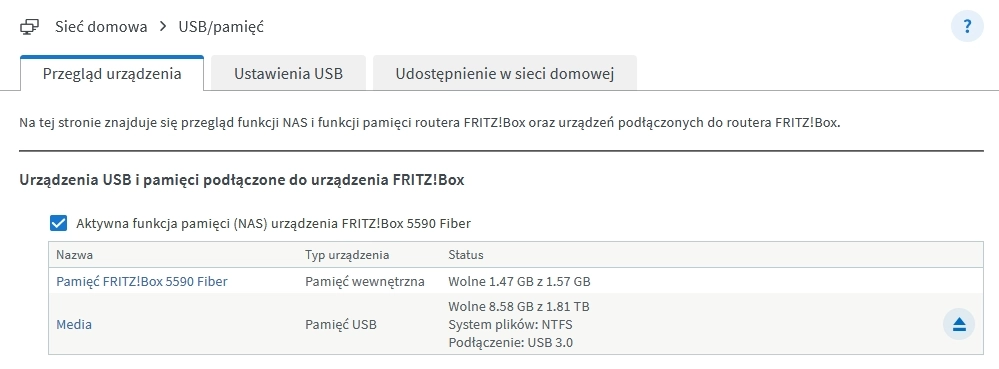
The network drive's resources can be accessed in several ways, depending on what features our NAS server has enabled:
First, the contents of the drive can be viewed in a web browser by typing "fritz.box/nas".
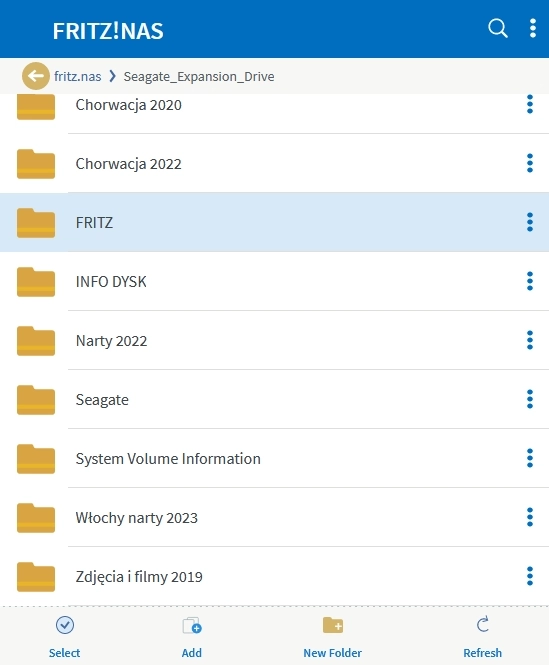
In addition to viewing content, you can view photos and videos directly in the browser, without having to download files to a local drive.
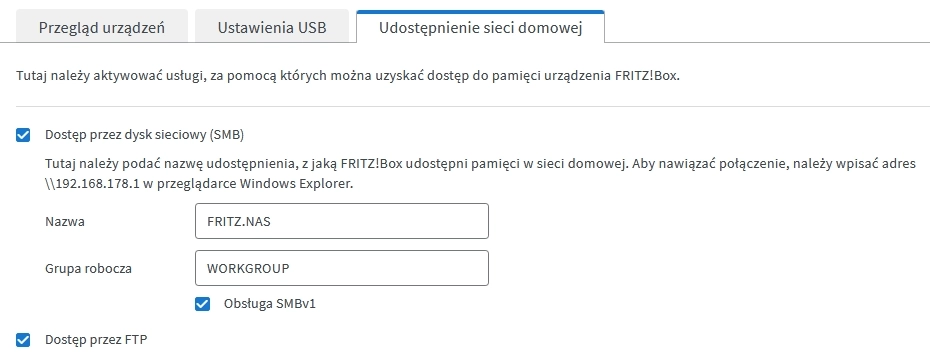
Secondly, when SMB sharing is enabled, the drive will be visible as a resource in the network environment, such as when you type in Windows Explorer with the address \fritz.us. Access to the drive in this way is secured by username and password. The ability to access NAS resources in general and individual directories is configured in System>FranZ Users!Box
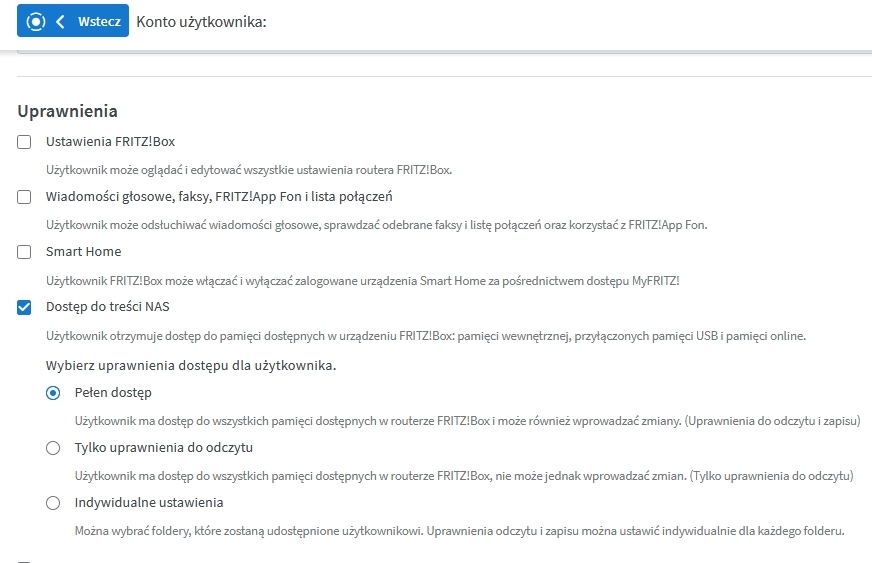
Third, the NAS function can also use FTP to share files.
Importantly, network drive resources can also be accessed remotely. The best and safest way to use this capability is through a VPN: once connected to your router, you can access the NAS as if you were at home. If you have a fast enough connection, you can even watch movies from your home drive directly, without having to download them locally first. While being anywhere in the world, we can use home disk resources.
FRITZ Box media server
Possibilities of using a USB drive connected to the FRITZ!Box reach further. This is because the router has implemented a media server compatible with the DLNA / UPnP AV standard. This means that our photo, music and video assets will be visible on Smart TVs and network media players. Instead of connecting a USB drive to the TV, it is better to plug it into the router and the FRITZ Box media server will make it available to all interested viewers in the local network.
In addition, you don't need to unplug the drive from the TV and connect it to your computer to organize your resources: new photos and videos can be uploaded to the drive over the network using NAS. On this occasion, it is worth remembering that the resources made available through the DLNA protocol are previously indexed and stored in a special file, read initially by the player. If the contents of the disc change during playback, you may need to re-enable the application on the TV.
Also keep in mind that with a large media collection, it may take a few minutes to index several thousand photos and hundreds of videos.
