

Network interference - how to solve it?
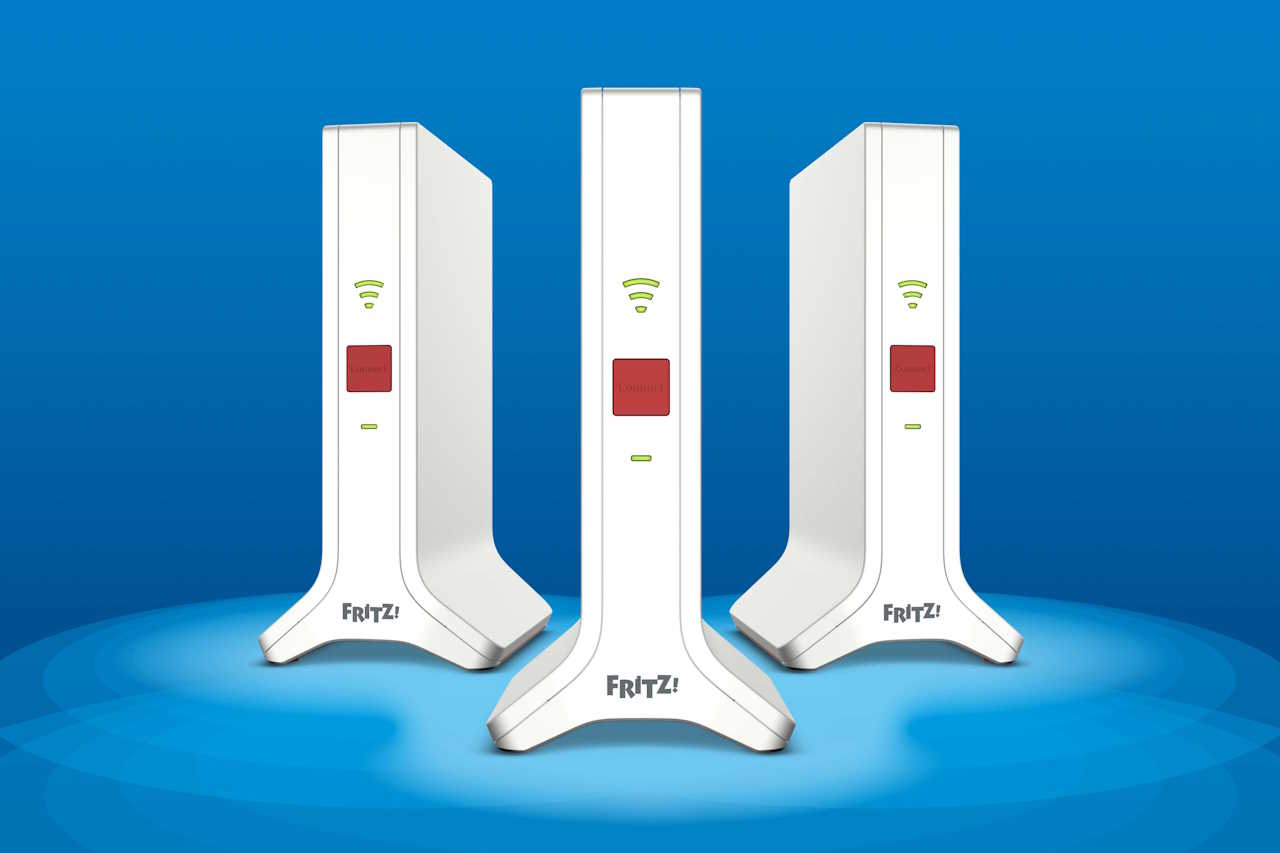
What makes WiFi wireless so convenient - the lack of cables - is also the source of its vulnerability to interference. Ensuring a reliable WiFi connection is now indispensable for a wide range of activities, from video conferencing and VoIP phone systems to cloud platforms for data storage and access and e-commerce stores.
How to identify and eliminate interference in wif networks?
You have a problem with the Internet? Internet is slow and unstable? If so, you are probably dealing with Wi-Fi interference. Internet interference can come from a variety of sources, such as other electronic devices, walls, furniture and even neighbors. The first step is to check the Wi-Fi signal level, the optimal signal level should be at least -60 dBm. If your signal is weaker, it may indicate Wi-Fi interference.
What you can do:
- Change the location of the router: Try placing the Wi-Fi router elsewhere in the house
- Change Wi-Fi channel: try changing the Wi-Fi channel to a less crowded one. You can do this in your router settings.
- Install a signal booster: If your house is large or has many obstacles such as thick walls, consider installing a Wi-Fi signal booster
The most common causes of Internet disruptions and how to deal with them?
With the increase in the number of wireless devices in our environment, wifi interference becomes a problem for connection stability and overall performance, you need to understand what causes wifi interference to reduce the interface and improve wireless performance.
The most common sources of interference are:
- Devices with poorly shielded cables
- External monitors in the 2.4 GHz band.
- Other wireless networks - not only WiFi, but also Zigbee and others operating on the same frequency
- Wireless devices such as speakers, Wi-Fi cordless phones and surveillance cameras
- Microwaves that operate in the 2.4 GHz band - the same as many Wi-Fi networks
- Digital satellite dishes.
Sometimes the quality of the equipment or the bad bandwidth of the devices you are using is to blame for Internet troubles, a not-so-good signal will slow down the Internet on your phone and computer. Choosing the right router is a key part of ensuring that you have stable and fast network access. Find out which router will be right for you: https://fritz-shop.eu/how-to-select-ideal-router-for-home
Wifi interference at home - simple solutions for better connectivity.
Materials used in building construction may block radio waves or weaken the signal by electromagnetic interference. It can be assumed that anything that impedes the free flow of radio signals can cause wifi interference at home. It is worth noting that the widely used drywall, among all types of construction materials, has the least impact on the wireless signal. To reduce wifi wireless interference, reduce the number of devices in the area. You can also try using another wireless channel that has less traffic. To increase wireless throughput, be aware of interference when setting up your workspace.
Range can also be a problem. The right device is not everything, of course, as it still needs to be properly set up. How to increase network coverage? You can find the answer to this question here: https://fritz-shop.eu/Jak-zwiekszszyc-zasieg-WIFI-Know-3-best-sposoby-recommended-by-specialists-blog-pol-1578557827.html
