

Proven methods for extending Mesh Wi-Fi networks
With the growing importance of wireless Internet in daily life, the slogan "hot water at the tap," synonymous with well-being, should be changed to "Wi-Fi in every corner.". Improving the operation of our home's wireless network doesn't have to immediately require vast ICT knowledge. Sometimes all it takes is a little remodeling and a few additions.
How to optimally deploy Mesh routers in the home
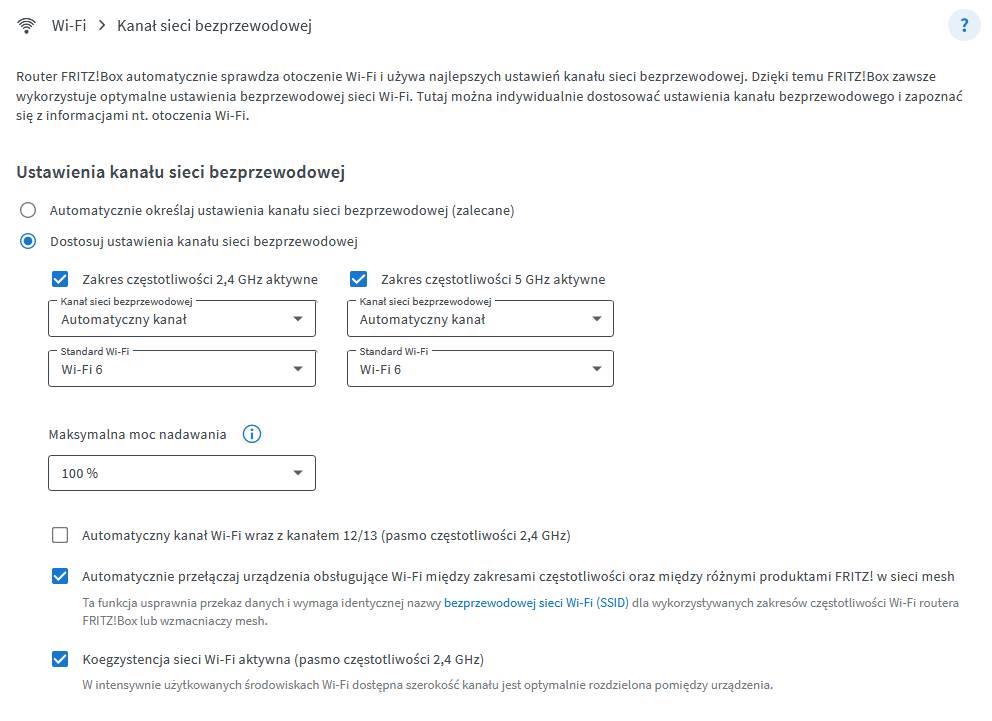
Optimal router placement for best coverage as a rule, it requires that the WiFi Mesh router be located in the most central point of the house, in fact, in the middle of the part where we most often stay. If there is optical visibility between the device and the place from which you want to use the Internet, you are in an ideal position, and the signal should be very strong and the transfer close to the maximum. If it turns out that even with this setting there are problems with coverage, they are most likely caused by interference from other networks operating nearby. It is then worth using the free FRITZ application!Wi-Fi app for Android and iOS that will scan our radio environment and graphically show how many networks are operating in our neighborhood, what radio bands they operate in and which radio channels they use. With this knowledge, we will be able to adjust the settings of our router, such as changing the channel to another, less busy one. FRITZ Mesh Router!The box has a special mechanism that automatically selects the optimal channel at the time and place to ensure maximum transfers without the user having to constantly monitor the environment and change the radio channel in use.
Increasing WiFi coverage in the home with a Mesh router
A Mesh network in the home, at the heart of which is a router, usually acting as a master device ("master"), controls traffic and automatically, without user intervention, selects optimal operating parameters to achieve maximum performance in a given location and for the number of end devices currently supported: laptops, tablets, or phones. Intelligent routines take real-time measurements of the network situation and, based on them, self-select the least loaded radio network bandwidth, the optimal Wi-Fi channel, as well as which access point within a specific location the device will be logged into.
WiFi Mesh amplifier, and additional access points
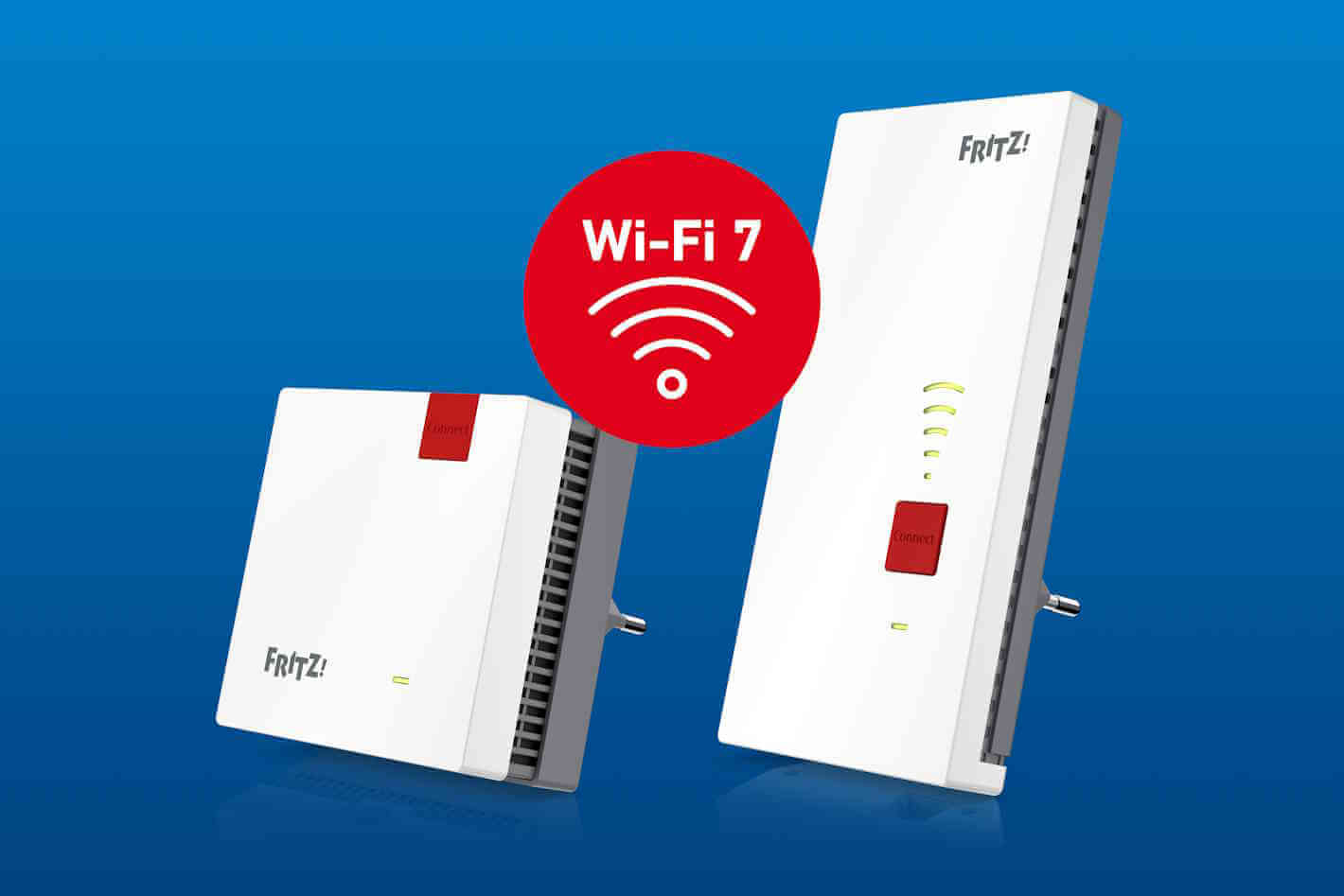
If, despite the best possible setting of a single router, coverage in remote areas is still insufficient, it may be necessary to increase WiFi coverage with a so-called repeater. Repeater, is a WiFi Mesh repeater that you install about halfway between the router and the location where coverage is insufficient, but so that the Mesh repeater is within range of the router. Thus, the device will receive the signal from the router on the one hand, and on the other pass it on. If you have a vast premises, with a few floors and many rooms, you can use multiple amplifiers, but in this situation it is best to choose devices of the same brand as the router, supporting Mesh topology. In this situation, the best solution will be ready-made wiFi Mesh Kits. Mesh, with the help of intelligent algorithms, will autonomously control wireless traffic and decide whether, for example, a given laptop or phone should be handled by a central router or a WiFi Mesh signal booster, depending on which chip provides a better transfer rate.
An additional advantage of a Mesh network, especially if it consists of a router and multiple repeaters, is greatly simplified operation. You only need to perform the initial configuration once, which basically boils down to pressing a single button, so that all the data, such as the password, the applicable security algorithm, the operating schedule, the guest network settings, etc., is available. have been automatically propagated to other network nodes, such as range repeaters, so there is no need to configure each node individually.
