

Unauthorized network access - how to effectively secure your WiFi?
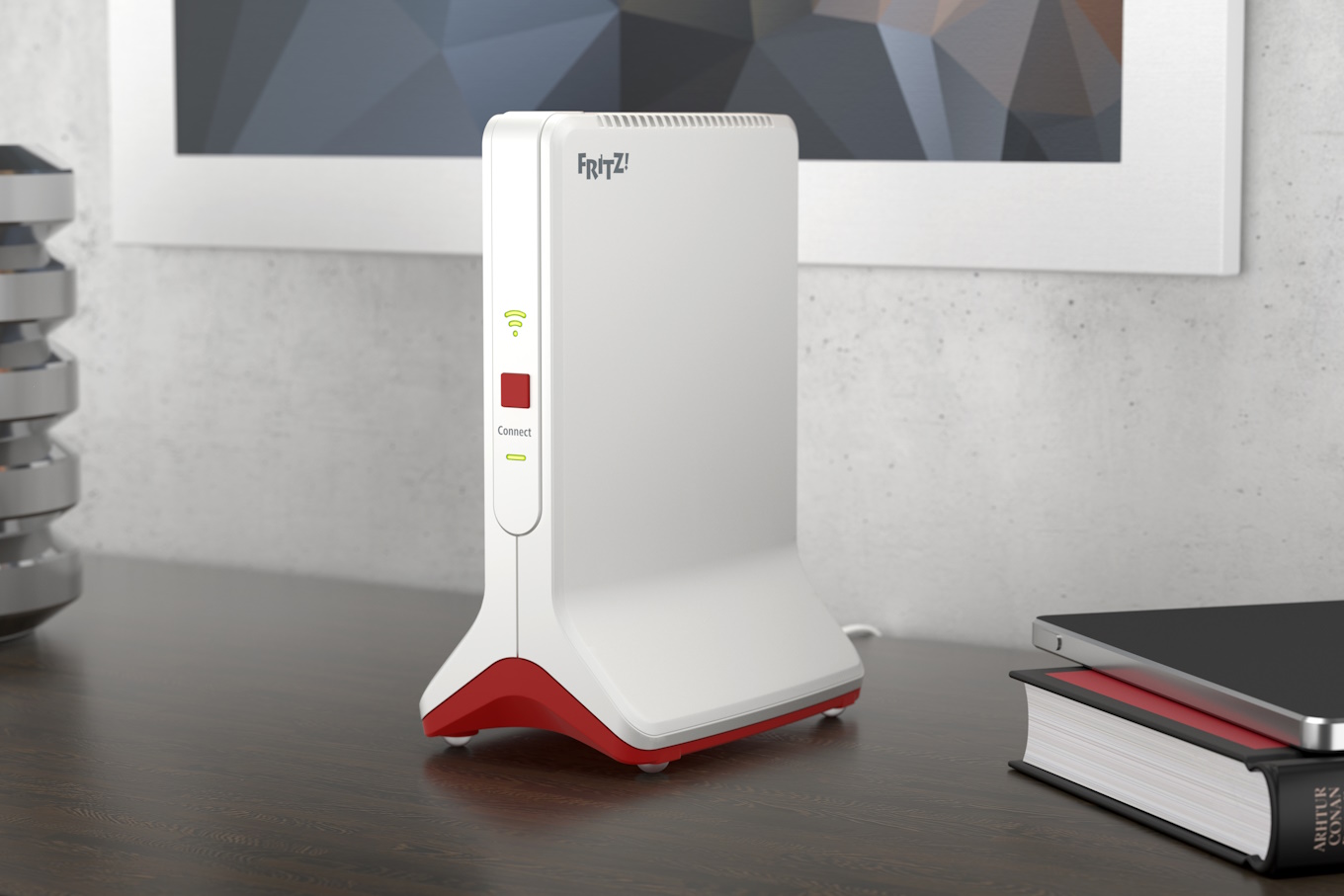
The wireless network is invisible, has no definite shape and does not end at the walls and windows of our house, as we may sometimes think. The Wi-Fi perimeter extends all the way to the last place where we still have coverage, and is guarded by a variety of security features that must be used consciously to guard against intrusion.
Securing your home WiFi network
The basic security of a WiFi network is the access password. We have to enter them in the login window when we try to establish wireless connectivity. Here comes the first dilemma: a password that is easy to type is also easy to remember, but also easy to guess. FRITZ routers!Boxes are already secured from new with an individual Wi-Fi password, which can be read from the device case or a special card included in the box. If you change your password, you can print a new card directly from the user interface.
If we are looking for additional security of the wireless network, we can use the option of hiding the name of our wireless network - only insiders, who know not only the password, but also the SSID, will be able to access the. At most, the rest of the potential users will see a notice in their neighborhood that there is a "Hidden Network" there.
If you want to be hospitable, but at the same time provide more sophisticated security for your home network, which includes a file server with family media and files, printers and other devices, a network accessible only to household members, you can run a separate network for guests.
Guest Wi-Fi is a segment of the network that is separated from the rest of the infrastructure. Users logged into it do not exclusively access the Internet and do not see local resources or even others similarly using the network infrastructure. What's more, on the guest network you can only surf the Web and use email - other functions are blocked as standard.
Additional security of your home network can be ensured by activating the MAC address filter - only wireless network cards with a pre-registered hardware address will be able to obtain a connection. Others, even after entering the correct password, will be rejected as unknown and unauthorized.
A rather radical but effective way to secure WiFi is to turn it off. We are not, of course, urging fanaticism on this issue. However, you might consider turning off the wireless interface at night, when everyone should be sleeping anyway. FRITZ routers!Boxes have a convenient feature to automatically deactivate Wi-Fi at user-specified times.
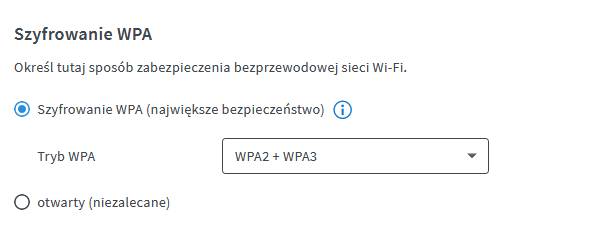
Protecting your WiFi network is also about making sure it complies with the latest standards. Currently, a set of security measures collectively referred to as "WPA3" is considered secure, consisting of advanced encryption key exchange (SAE) mechanisms and transmission encryption using the AES-128 algorithm. All FRITZ routers currently available for sale!Boxes support WPA3. However, it is worth taking a look at the configurator and checking that we have the right standard selected.
What network security vulnerabilities can lead to
Security vulnerabilities, just like an unlatched door or window, can lead to unauthorized access to our resources.
This risks data theft, which can mean a violation of privacy, but also difficult to estimate losses if sensitive financial data is stolen from our drive.
Uninvited guests can also cause harm by wantonly destroying our resources out of sheer, gratuitous malice.
VPN at home- how it increases your security
Virtual private network an excellent way to securely, yet remotely access your home network. To benefits of using a VPN can include accessing data on a home NAS drive from anywhere in the world, or remotely controlling a home's smart home automation Smart Home. The beauty of this solution is also that even less advanced users can use it. FRITZ routers with VPN using a friendly wizard to guide you through the configuration process.
