

Wi-Fi hotspot for hotel guests
What we check when we enter a hotel room? The order may vary, but these will be the three most important things: whether the radiator is warm, the bathroom clean, and whether we have Wi-Fi coverage. Wireless Internet access is especially important abroad, where mobile data packages run out quickly and can be expensive. We show you how to effortlessly arrange for your guests to have fast and secure access to the global network.
Is the hotel's WiFi network secure
Well-configured WiFi networks in hotels need not pose a threat. First of all, such a network should not be quite open, that is, there should be some kind of password to log into it, however. In the vast majority of open networks (the exception to this would be networks supporting OWE - Opportunistic Wireless Encryption), the information being transmitted is not encrypted in any way, so it can be intercepted without much difficulty by a potential cybercriminal. As a rule, therefore, such networks should be avoided.
If you see computers, printers, and other devices in a network environment when you log on to your hotel's WiFi, you should disconnect from it right away, because it means that not only did you forget to enable the firewall on your computer in the correct connection profile, but your host is unapologetically hospitable and doesn't care about your safety or that of your guests. Fortunately, such situations should not happen at all anymore thanks to the security features embedded in operating systems.
It sometimes happens that the hotel Internet is so heavily secured that some more advanced functions, such as VPN connections, FTP, or online games using non-standard ports and protocols, cannot be realized with it. On the one hand, this can be a nuisance, on the other hand, it means that our host has taken care to ensure that the Internet in the hotel does not pose a threat to guests.
How to properly configure the network for hotel guests
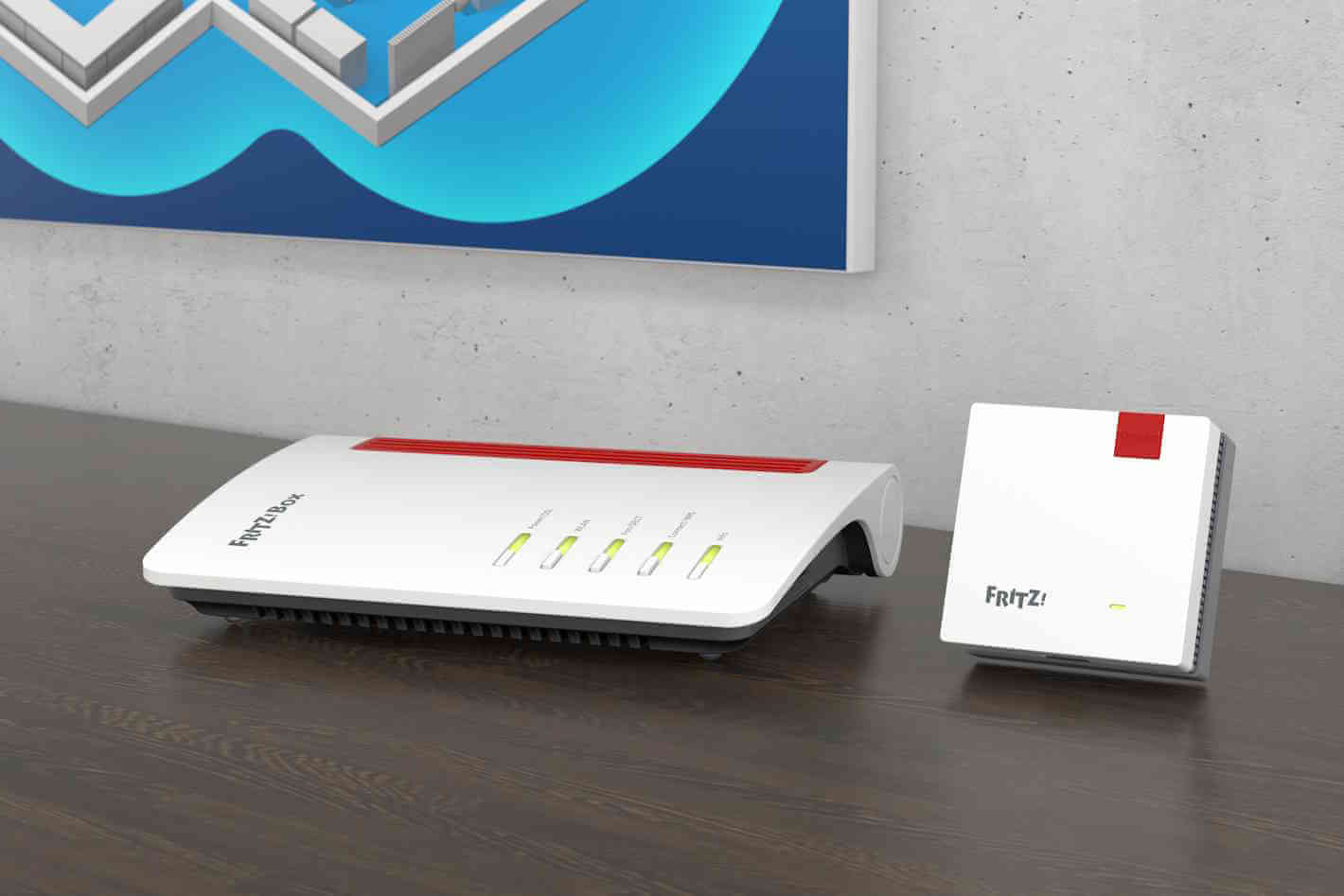
To organize effective and secure Internet access in your hotel or agritourism, you do not necessarily need to invest in specialized and expensive systems. All you need is an advanced home router from the FRITZ family!Box, supporting Wi-Fi in Mesh topology, which will greatly facilitate the configuration and operation of our network.
In larger homes or hotels, putting one router in the reception area or living room may not be enough to provide adequate coverage in every room and corner of the garden. In this case, you should take care of the following wireless signal extension and apply wiFi signal booster.
On the market you will find a large number of devices of this type, but it is best to equip yourself with a repeater of the same brand as the router, so you get 100% compatibility and the possibility to take advantage of special features that manufacturers implement in their solutions.
If we anticipate that in order to provide coverage over the entire usable area we will need to equip ourselves with not one, but several signal amplifiers, it is best to immediately choose devices compliant with the Mesh standard.
FRITZ routers!Boxes have a number of advanced features to enable the launch of secure Internet access for guests.
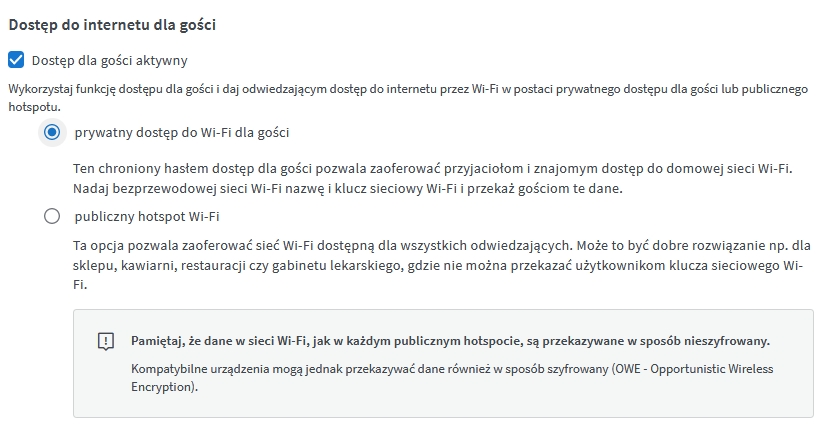
First, we can decide whether to provide guests with a special password-protected network or a standard open hotspot. The important thing is that the guest network is completely separate from the main home network: it has a different SSID name, and devices connecting to it can only use the Internet, cannot communicate among themselves, and cannot access home network functions, such as printers or network drives.
The safest way will be to set up access with a password, support for WPA2 and WPA3 security algorithms, a separate network name and password that can be shared with guests.
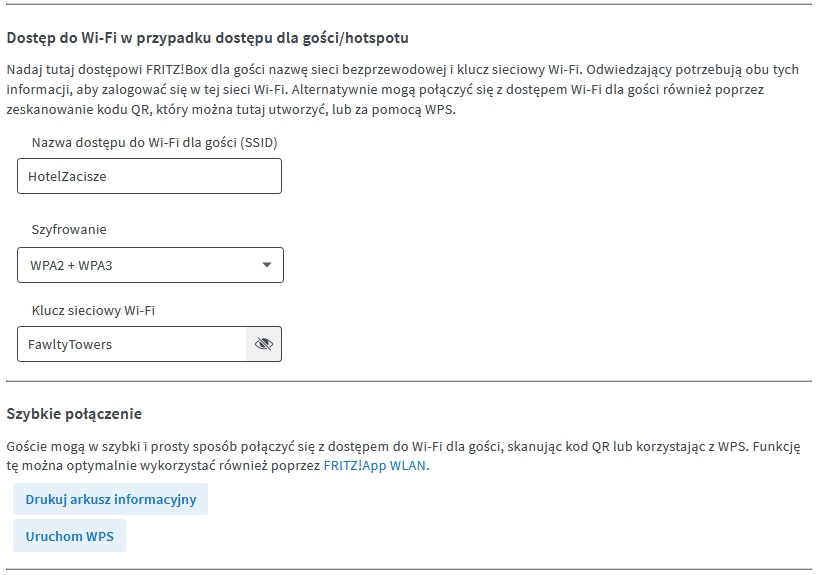
The printable network information sheet can be generated directly from the router:
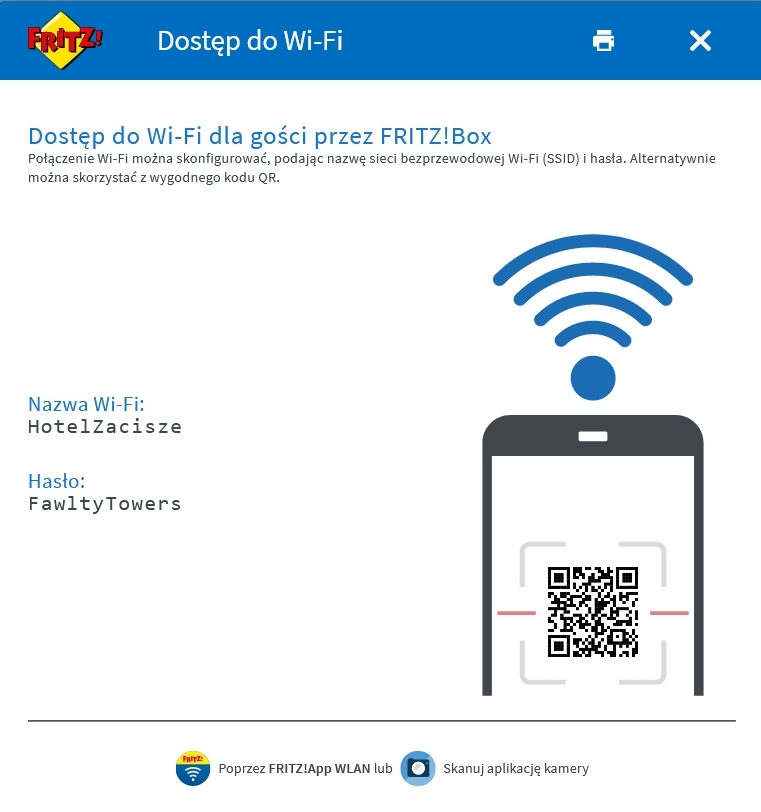
For ease of use, it also includes a QR code for quick and automatic connection.
Importantly, the operation of the router and amplifiers in a Mesh network will ensure that once configured in the router, the password and security standard will be automatically distributed to the rest of the infrastructure, eliminating the need to repeat the settings in each device separately.
