

Wi-Fi network card get to know its capabilities
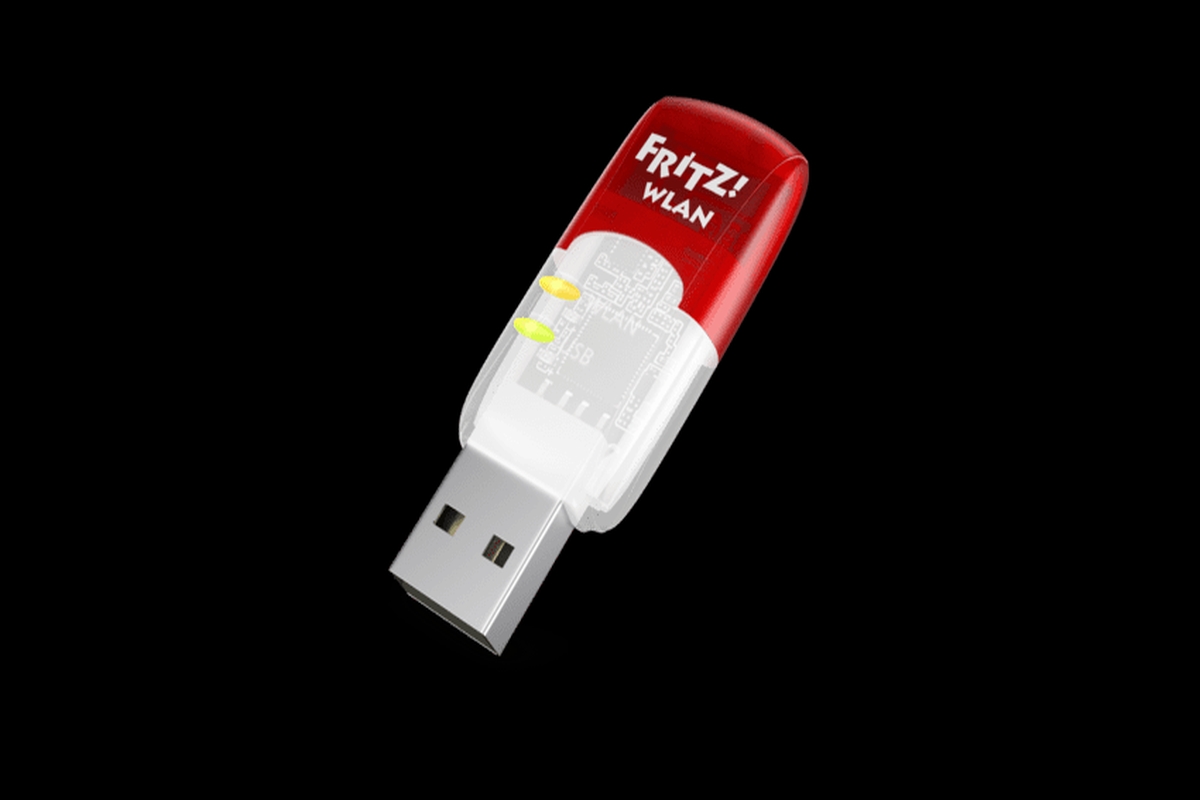
What an external Wi-Fi network card on USB can be useful for in an era when virtually every computer has a built-in wireless network interface? For easy PC expansion with brand new capabilities and without a screwdriver! Today we suggest how to use FRITZ USB network cards in practice!WLAN USB Stick AC 860 and FRITZ!WLAN USB Stick AC 430 MU-MIMO.
What the network card is used for?
The network card (network interface), is a window to the world for the computer. Without it, our PC cannot communicate with any external network - neither local nor Internet. Network cards come in different versions (depending on the supported medium, e.g. Ethernet, fiber optic, WiMAX, Wi-Fi, etc. and how to connect). Today, however, we are primarily interested in an external network card for Wi-Fi, connected to the computer via USB.
Upgrade your computer with faster Wi-Fi
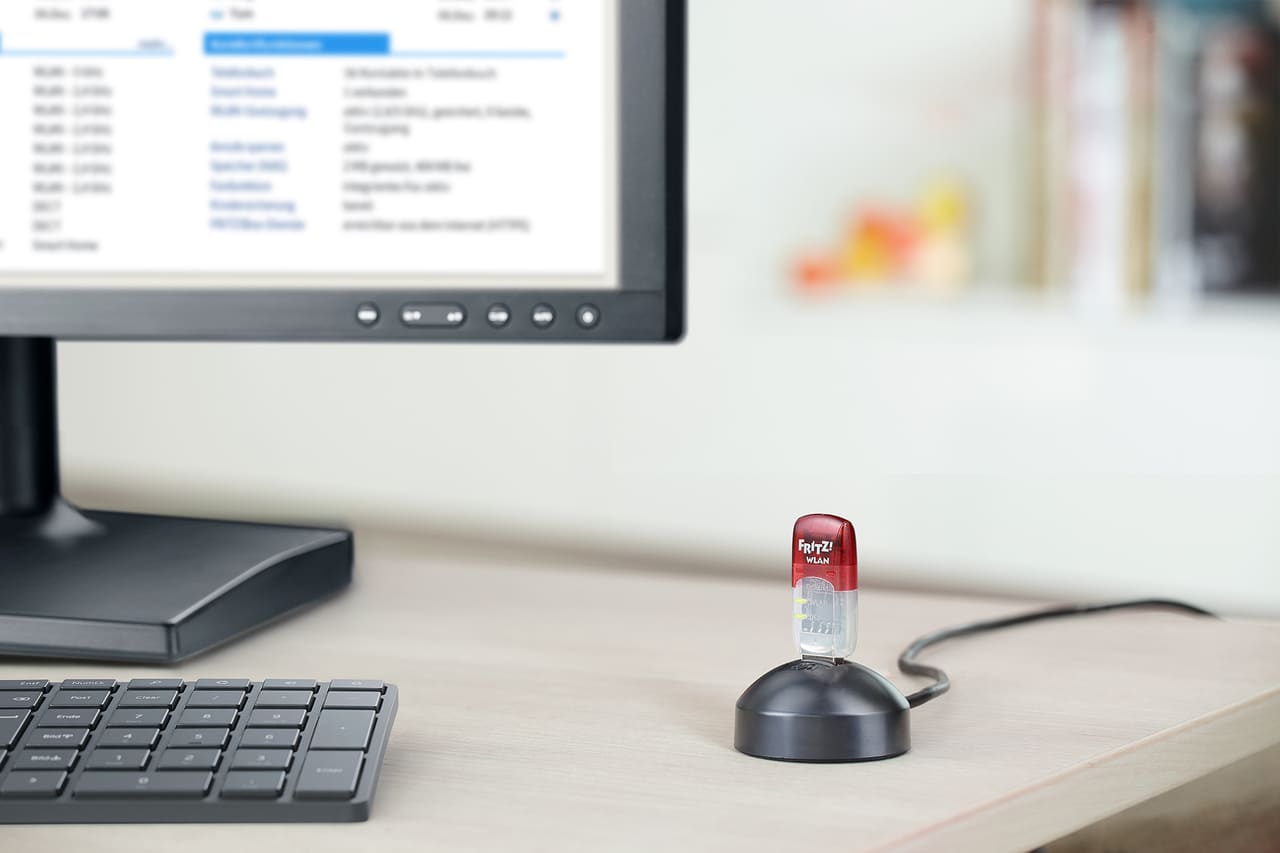
Replacing a network card in a computer can be problematic even in desktop PCs. In the case of notebooks, the internal Wi-Fi network card is a component that is difficult or impossible to replace with a newer model. If we want to equip our computer with a more modern radio interface, the simplest solution will be an external USB network card. On this occasion, care should be taken to use high-speed USB 3.0 ports for this purpose, so that USB itself does not become a bottleneck.
5GHz USB network card
The popularity of Wi-Fi has led to the fact that in our environment (especially in apartment blocks and office buildings) there are usually more than a dozen and sometimes dozens of different wireless networks in operation. Such density in the ether can result in interference and in networks having to compete for access to the medium, especially in the most crowded 2.4GHz band. A good solution is to move your networks to less congested, higher frequencies, which a 5GHz network card will help with. In addition, transmission in this band is much faster, as it allows to develop speeds of up to 2,400 Mbit/sec. Note, however, that transmission in the 5GHz band is characterized by greater susceptibility to interference and shorter range, but in home and office settings, where you are usually in close proximity to the access point, these drawbacks will not matter much.
FRITZ!WLAN USB Stick AC 860 and FRITZ!WLAN USB Stick AC 430 MU-MIMO
A 5GHz USB network card, such as the FRITZ!WLAN USB Stick AC 860 or FRITZ!WLAN USB Stick AC 430 MU-MIMO is the perfect solution to the problems mentioned earlier, such as upgrading a computer or moving to the 5GHz band.
Below is a summary of the main functionalities:
| FRITZ!WLAN USB Stick AC 860 | FRITZ!WLAN USB Stick AC 430 MU-MIMO | |
| Wi-Fi | 5+4 | 5+4 |
| MU-MIMO | yes | yes |
| Band (GHz) | 2,4 / 5 | 2,4 / 5 |
| Max. Mbit/s | 866 | 433 |
| WPA2/WPA | yes | yes |
| Auto-installation | yes | yes |
| WPS | yes | yes |
| USB | 3. | 3. |
The comparison shows that FRITZ!WLAN USB Stick AC 860 is a card for users with high Wi-Fi bandwidth requirements. However, both products allow simultaneous use of both frequency ranges, depending on individual requirements.
Stick & Surf function - quick and discreet setup
Both cards support AVM's Stick & Surf technology, which eliminates the need for any settings on the computer. After connecting the FRITZ!WLAN Stick briefly into the USB port of the FRITZ router!The box adapter automatically retrieves the network name and password from the router and stores them in its internal memory, and then, when connected to the computer, transmits them to the operating system. With this convenience, you can, for example, allow guests to connect to our Wi-Fi without giving away their passwords.
